
🎉NEWCapSolver for AI agents-MCP, agent tools, and SDK integrations

Lucas Mitchell
Automation Engineer
Published Jan 29, 2026
Updated Feb 03, 2026 · min read
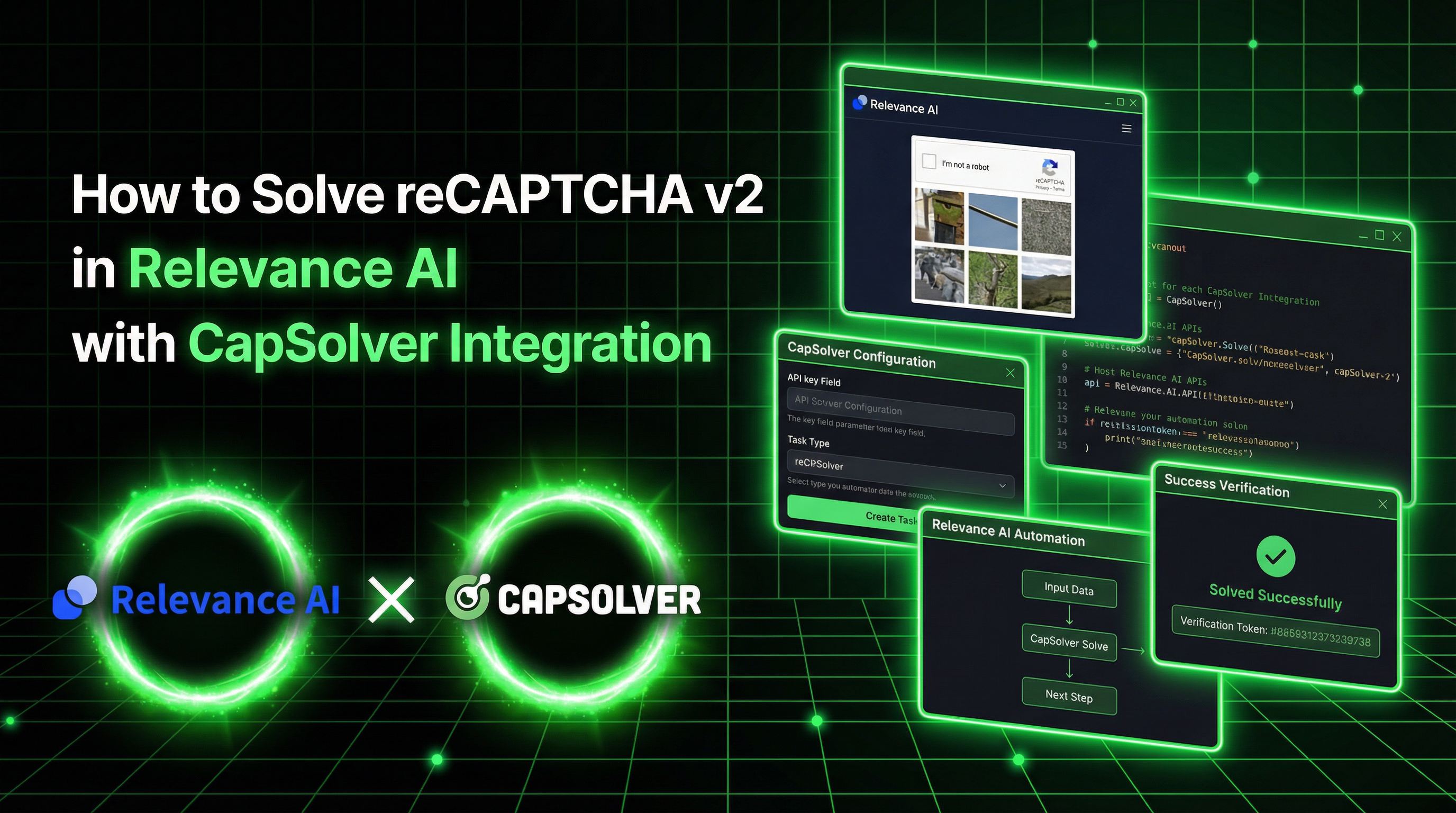
Relevance AI is a platform for building AI agents that automate real business workflows, such as lead generation, data extraction, form submission, and CRM enrichment.
In practice, these agents often need to interact with websites protected by CAPTCHA. This is where automation typically breaks down—manual intervention is required, and workflows stop scaling.
CapSolver addresses this problem by allowing Relevance AI tools to solve CAPTCHA challenges programmatically and submit the required tokens as part of an automated flow.
In this guide, we’ll walk through how to build a Relevance AI tool that solves reCAPTCHA v2 and submits the token to a protected form—without relying on browser automation.
Relevance AI is a platform for building and deploying AI agents that automate business tasks. With its powerful Tool Builder, teams can create custom automation tools using JavaScript, Python, or API calls—no complex infrastructure required.
| Feature | Description |
|---|---|
| Tool Builder | Create custom tools with JavaScript, Python, or API steps |
| AI Agents | Autonomous agents with 2000+ integrations |
| No-Code/Low-Code | Build powerful automations without deep coding knowledge |
| Secrets Management | Securely store API keys and credentials |
| Multi-Agent Systems | Teams of agents collaborating on workflows |
CapSolver is a leading CAPTCHA solving service that provides AI-powered solutions for bypassing various CAPTCHA challenges. With support for multiple CAPTCHA types and fast response times, CapSolver integrates seamlessly into automated workflows.
When building Relevance AI agents that interact with protected websites, CAPTCHA challenges block your automation. Here's why this integration matters:
CAP-)Log in to Relevance AI
Go to Settings (gear icon) → Look for API Keys section

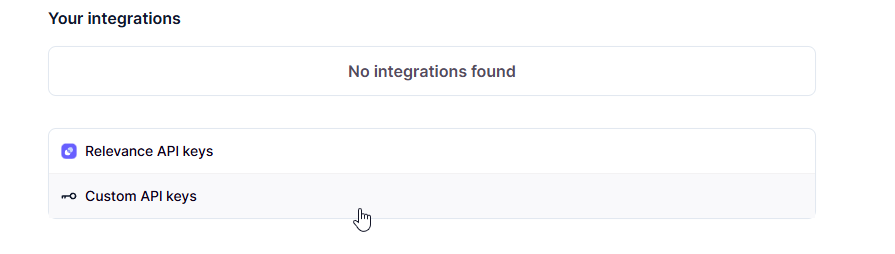
Add a new secret:
capsolver_api_key (or any name you prefer)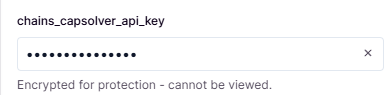
Save the secret
Click Text to add two text inputs:
Input 1:
website_urlInput 2:
website_keyClick JavaScript in the Steps section and paste this code:
const CAPSOLVER_API_KEY = '{{secrets.capsolver_api_key}}';

async function solveRecaptchaV2(websiteUrl, websiteKey) {
    // Step 1: Create CAPTCHA solving task
    const createRes = await fetch('https://api.capsolver.com/createTask', {
        method: 'POST',
        headers: { 'Content-Type': 'application/json' },
        body: JSON.stringify({
            clientKey: CAPSOLVER_API_KEY,
            task: {
                type: 'ReCaptchaV2TaskProxyLess',
                websiteURL: websiteUrl,
                websiteKey: websiteKey
            }
        })
    });

    const createData = await createRes.json();

    if (createData.errorId !== 0) {
        return {
            success: false,
            error: createData.errorDescription,
            token: null
        };
    }

    const taskId = createData.taskId;

    // Step 2: Poll for solution (checks every 2 seconds)
    for (let i = 0; i < 60; i++) {
        await new Promise(function(resolve) { setTimeout(resolve, 2000); });

        const pollRes = await fetch('https://api.capsolver.com/getTaskResult', {
            method: 'POST',
            headers: { 'Content-Type': 'application/json' },
            body: JSON.stringify({
                clientKey: CAPSOLVER_API_KEY,
                taskId: taskId
            })
        });

        const pollData = await pollRes.json();

        if (pollData.status === 'ready') {
            return {
                success: true,
                token: pollData.solution.gRecaptchaResponse,
                error: null
            };
        }

        if (pollData.status === 'failed') {
            return {
                success: false,
                error: pollData.errorDescription,
                token: null
            };
        }
    }

    return {
        success: false,
        error: 'Timeout waiting for solution',
        token: null
    };
}

return await solveRecaptchaV2(params.website_url, params.website_key);Note: Replace
{{secrets.capsolver_api_key}}with your actual secret name if different (e.g.,{{secrets.chains_cap}}).
Use the Google reCAPTCHA demo page to test:
https://www.google.com/recaptcha/api2/demo6Le-wvkSAAAAAPBMRTvw0Q4Muexq9bi0DJwx_mJ-Click Run tool and wait 10-30 seconds. You should see:
{
  "success": true,
  "token": "03AGdBq24PBCbwiDRaS_MJ7Z...",
  "error": null
}Here's a more advanced tool that solves the CAPTCHA AND submits it to verify:
const CAPSOLVER_API_KEY = '{{secrets.capsolver_api_key}}';

async function solveAndSubmit(websiteUrl, websiteKey) {
    // Step 1: Create CAPTCHA solving task
    const createRes = await fetch('https://api.capsolver.com/createTask', {
        method: 'POST',
        headers: { 'Content-Type': 'application/json' },
        body: JSON.stringify({
            clientKey: CAPSOLVER_API_KEY,
            task: {
                type: 'ReCaptchaV2TaskProxyLess',
                websiteURL: websiteUrl,
                websiteKey: websiteKey
            }
        })
    });

    const createData = await createRes.json();
    if (createData.errorId !== 0) {
        return { success: false, step: 'create', error: createData.errorDescription };
    }

    const taskId = createData.taskId;
    let token = null;

    // Step 2: Poll for solution
    for (let i = 0; i < 60; i++) {
        await new Promise(function(resolve) { setTimeout(resolve, 2000); });

        const pollRes = await fetch('https://api.capsolver.com/getTaskResult', {
            method: 'POST',
            headers: { 'Content-Type': 'application/json' },
            body: JSON.stringify({
                clientKey: CAPSOLVER_API_KEY,
                taskId: taskId
            })
        });

        const pollData = await pollRes.json();

        if (pollData.status === 'ready') {
            token = pollData.solution.gRecaptchaResponse;
            break;
        }
        if (pollData.status === 'failed') {
            return { success: false, step: 'poll', error: pollData.errorDescription };
        }
    }

    if (!token) {
        return { success: false, step: 'timeout', error: 'Timeout' };
    }

    // Step 3: Submit form with token
    const submitRes = await fetch(websiteUrl, {
        method: 'POST',
        headers: { 'Content-Type': 'application/x-www-form-urlencoded' },
        body: 'g-recaptcha-response=' + token
    });

    const html = await submitRes.text();
    const verified = html.includes('Success') || html.includes('verificado');

    return {
        success: verified,
        token_length: token.length,
        message: verified ? 'CAPTCHA verified successfully!' : 'Check response',
        response_preview: html.substring(0, 300)
    };
}

return await solveAndSubmit(params.website_url, params.website_key);
This tool:
Always check for errors at each step:
if (createData.errorId !== 0) {
    return { success: false, error: createData.errorDescription };
}Create a separate tool to monitor your CapSolver balance:
const CAPSOLVER_API_KEY = '{{secrets.capsolver_api_key}}';

async function checkBalance() {
    const response = await fetch('https://api.capsolver.com/getBalance', {
        method: 'POST',
        headers: { 'Content-Type': 'application/json' },
        body: JSON.stringify({ clientKey: CAPSOLVER_API_KEY })
    });

    const data = await response.json();

    return {
        balance: data.balance,
        formatted: '$' + data.balance.toFixed(4)
    };
}

return await checkBalance();The default 60 attempts × 2 seconds = 2 minutes timeout. Adjust if needed:
// For faster timeout (30 seconds)
for (let i = 0; i < 15; i++) {
    await new Promise(function(resolve) { setTimeout(resolve, 2000); });
    // ...
}Integrating CapSolver with Relevance AI enables powerful automation workflows that can handle CAPTCHA-protected forms. The key benefits:
By combining Relevance AI's agent capabilities with CapSolver's CAPTCHA solving, you can build complete automation workflows that handle even the most protected forms.
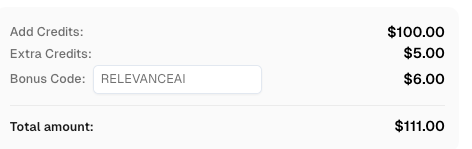
Ready to get started? Sign up for CapSolver and use bonus code RELEVANCE for an extra 6% bonus on your first recharge!
Relevance AI is a platform for building AI agents that automate business tasks. It offers a Tool Builder where you can create custom automation tools using JavaScript, Python, or API calls.
No. Relevance AI works via API calls, not browser automation. It cannot open browsers, click buttons, or inject JavaScript into pages. However, it CAN make HTTP requests to submit forms with CAPTCHA tokens.
You create a JavaScript tool in Relevance AI that calls the CapSolver API. The tool sends the CAPTCHA details to CapSolver, receives a solved token, and can then submit that token to the target form via HTTP POST.
CapSolver supports reCAPTCHA v2, reCAPTCHA v3, Cloudflare Turnstile, AWS WAF and many more.
CapSolver offers competitive pay-per-solve pricing. Visit capsolver.com for current pricing.
Look for the data-sitekey attribute on the reCAPTCHA element in the page's HTML. It's a 40-character string starting with 6L. Check more on this guide
Typically 10-30 seconds for reCAPTCHA v2. The tool polls every 2 seconds until the solution is ready.
Lucas Mitchell
Automation Engineer
Helping browser automation recover and continue.
ABOUT THE AUTHOR
Learn scalable Rust web scraping architecture with reqwest, scraper, async scraping, headless browser scraping, proxy rotation, and compliant CAPTCHA handling.
Learn the best techniques to scrape job listings without getting blocked. Master Indeed scraping, Google Jobs API, and web scraping API with CapSolver.
