
🎉NEWCapSolver for AI agents-MCP, agent tools, and SDK integrations

Lucas Mitchell
Automation Engineer
Published Jul 04, 2024
Updated Jul 04, 2024 · min read
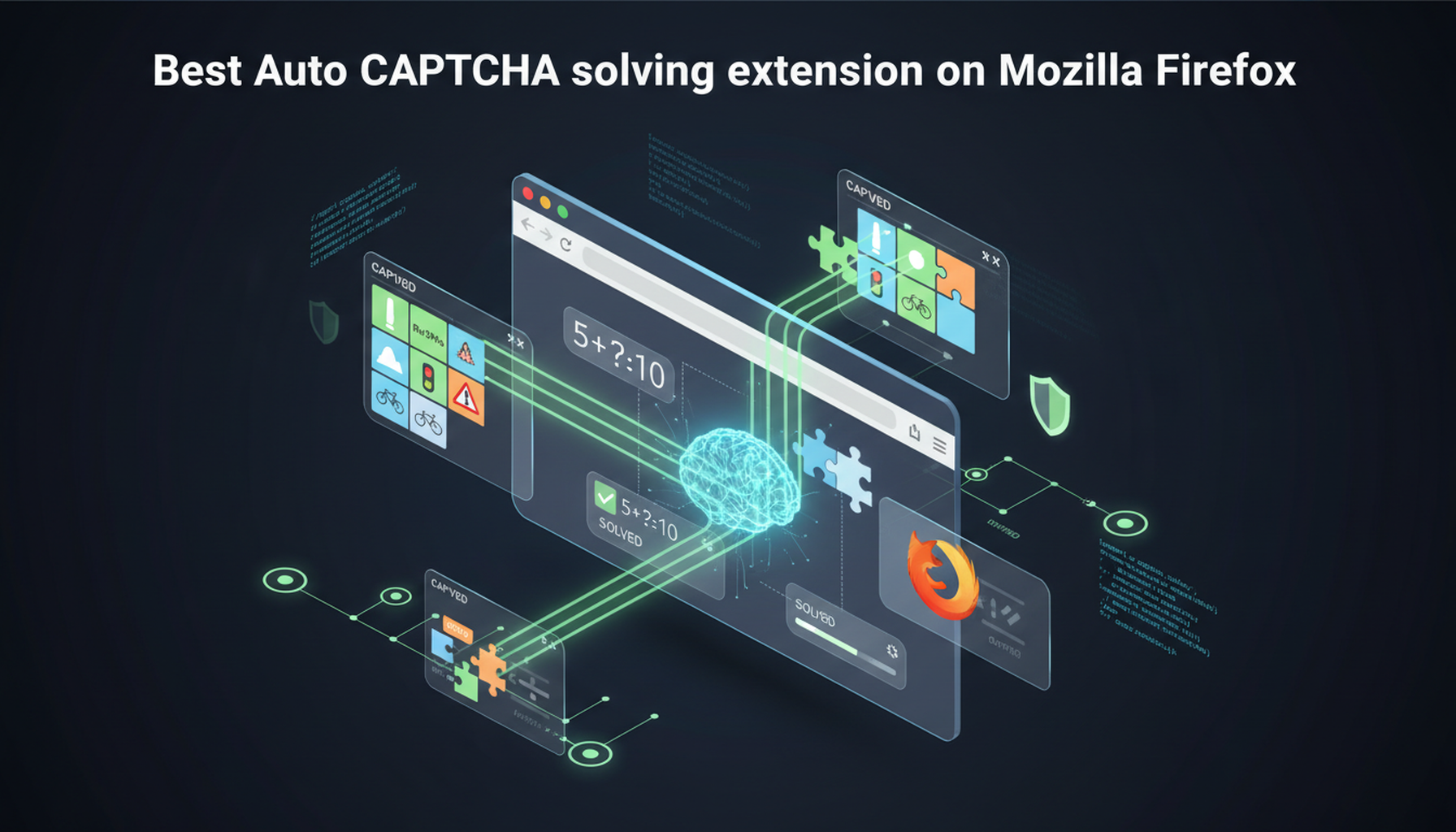
When browsing the web, CAPTCHAs are often a major obstacle to the user experience. Fortunately, Mozilla Firefox provides extensions that can help users solve these CAPTCHA issues automatically. In this article, we'll introduce one of the highly recommended add-ons that allows you to browse the web without lag!
Mozilla Firefox is a highly-regarded, open-source web browser developed by the Mozilla Foundation and its subsidiary, Mozilla Corporation. Known for its speed, security, and flexibility, Firefox is one of the most popular web browsers available today. Here are some key features and aspects of Mozilla Firefox:
Open Source: Firefox is built on an open-source platform, meaning its source code is available for anyone to inspect, modify, and enhance. This transparency fosters a large community of developers who contribute to the browser’s development and security.
Privacy and Security: Firefox places a strong emphasis on user privacy and security. It includes features such as Enhanced Tracking Protection, which blocks trackers and cookies that monitor your online activities, and a built-in password manager called Firefox Lockwise. The browser also regularly updates to patch security vulnerabilities.
Customization: Firefox offers extensive customization options. Users can personalize their browsing experience with themes, toolbars, and a vast library of extensions available through the Firefox Add-ons website. These extensions can add new features, block ads, integrate with other services, and more.
Speed and Performance: With each new release, Firefox continues to improve its speed and performance. It includes a powerful rendering engine, Quantum, which enhances page loading times and reduces resource usage, making it efficient even on older hardware.
Cross-Platform Compatibility: Firefox is available on multiple platforms, including Windows, macOS, Linux, Android, and iOS. This ensures a consistent browsing experience across different devices, with features like Firefox Sync allowing users to synchronize bookmarks, history, and settings across all their devices.
Developer Tools: Firefox provides a comprehensive set of developer tools, known as the Firefox Developer Tools. These tools help developers inspect, debug, and modify websites and applications, making it a preferred choice among web developers.
Support for Latest Web Standards: Firefox is committed to supporting the latest web standards, ensuring that users can experience modern websites as intended. It frequently updates to incorporate new web technologies and improvements.
Overall, Mozilla Firefox is a versatile and robust browser that combines speed, privacy, and customization, making it an excellent choice for both general users and developers.
Redeem Your CapSolver Bonus Code
Boost your automation budget instantly!
Use bonus code CAPN when topping up your CapSolver account to get an extra 5% bonus on every recharge — with no limits.
Redeem it now in your CapSolver Dashboard
.
Create a CapSolver Account
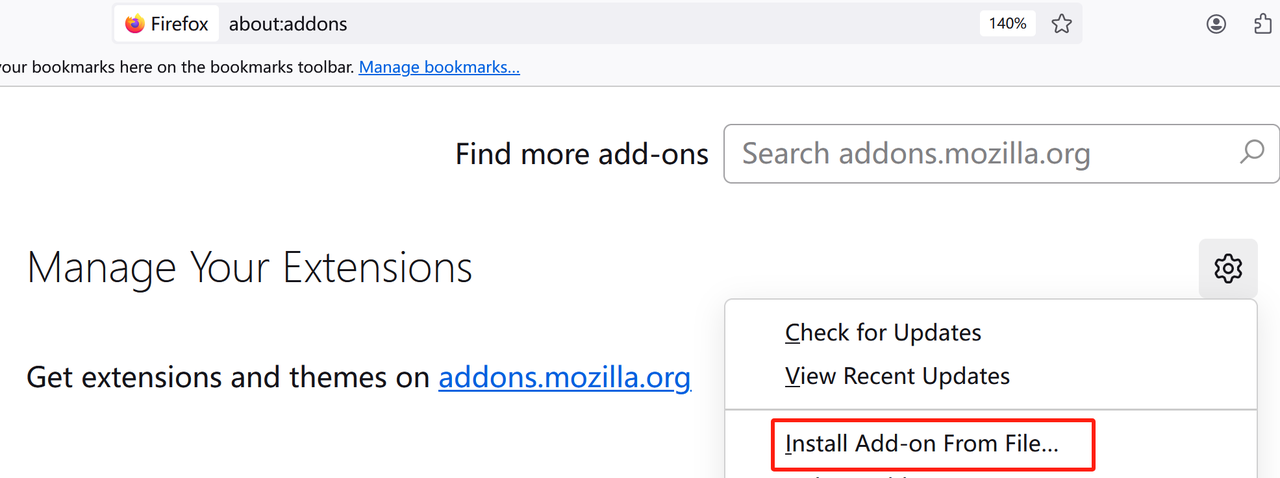
Install the Extension
Ready your API Key
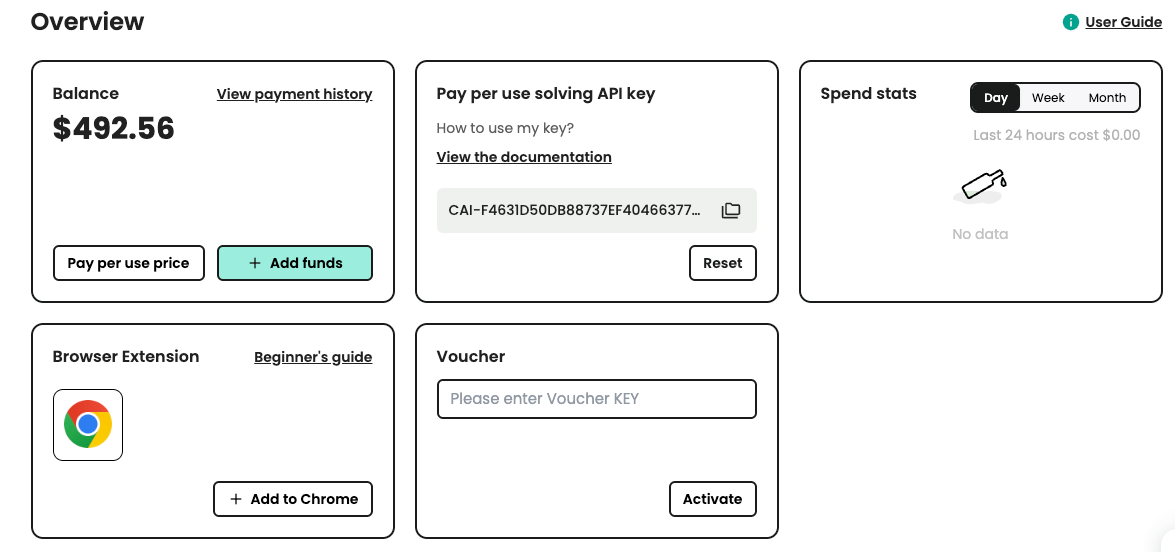
Input to Extension

For a more detailed tutorial with all the configuration and explanations of the extension, check out this documentation.
With the CapSolver extension seamlessly integrated into Mozilla Firefox, users can effortlessly overcome CAPTCHA challenges while browsing the web. This combination not only enhances security but also ensures a smoother and more enjoyable online experience. Simplify your browsing today by installing the CapSolver extension and say goodbye to CAPTCHA frustrations.
Yes. Once your API key is configured inside the CapSolver extension, it will automatically detect CAPTCHA challenges on supported sites and attempt to solve them in the background. This allows for a smoother browsing experience without constant interruptions.
No. The browser extension is designed for everyday users and requires no programming knowledge. Simply install the add-on, enter your API key, and it will run automatically when CAPTCHAs appear.
CapSolver runs locally as a browser extension and only interacts with CAPTCHA challenges as needed. Mozilla’s extension review process ensures safety and compliance, and CapSolver provides API-based solving without accessing private browser data.
Lucas Mitchell
Automation Engineer
Helping browser automation recover and continue.
ABOUT THE AUTHOR
Learn how to set up a browser extension for automatic CAPTCHA solving. Boost your web automation efficiency with step-by-step instructions and code examples.

Discover the best CAPTCHA solver Chrome extension in 2026. Compare top tools like CapSolver and AZcaptcha for speed, accuracy, and AI-powered bypass of reCAPTCHA and Cloudflare.

