
🎉NEWCapSolver for AI agents-MCP, agent tools, and SDK integrations

Aloísio Vítor
Image Processing Expert
Published Apr 15, 2024
Updated Oct 21, 2025 · min read
reCAPTCHA v2 is a widely used security measure that protects websites from automated bots. It presents users with challenges such as selecting specific images or solving puzzles to verify their human identity. However, in certain scenarios, there may be a need to automate the process of solving reCAPTCHA v2. In this guide, we will explore various techniques and approaches to successfully solve reCAPTCHA v2.
A bonus code for top captcha solutions; CapSolver: WEBS. After redeeming it, you will get an extra 5% bonus after each recharge, Unlimited
reCAPTCHA provides advanced protection for your website, preventing fraud and abuse without causing inconvenience. It utilizes an intelligent risk analysis engine and adaptive challenges to deter malicious software and ensure legitimate users can access your site effortlessly. With over a decade of proven success, reCAPTCHA actively safeguards data for millions of websites. Its frictionless approach seamlessly detects and blocks bots and automated attacks while allowing genuine users to proceed. Through continuous machine learning, reCAPTCHA's adaptive algorithms consider customer and bot interactions, surpassing the limitations of traditional challenge-based bot detection technologies.
There are several versions of reCAPTCHA:
In this blog, we will focus on solving reCAPTCHA v2,, the second version of Google's CAPTCHA, employs an "I am not a robot" checkbox or an invisible reCAPTCHA badge to discern genuine users from bots and looks like:
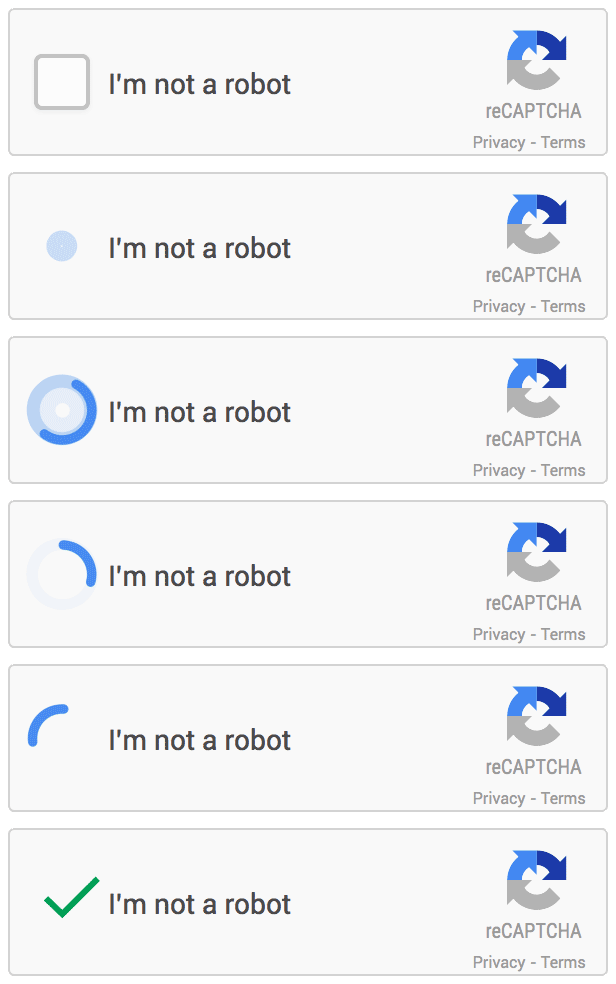
reCAPTCHA v2 operates by displaying either an "I am not a robot" checkbox or an invisible reCAPTCHA verification badge when a user engages with a secured website. Upon clicking the reCAPTCHA v2 checkbox, the system undertakes an automated identity verification process in the background. It promptly identifies and blocks any suspicious bot-like behavior to ensure user authenticity. So in many cases reCAPTCHA v2 is used to protect websites from unauthorised web scraping.
If an issue with reCAPTCHA v2 has not been solved, you will potentially come across reCAPTCHA v2 on any web page, and this could prevent you from getting the data you want when conducting web scraping, so you must wonder how to solve reCAPTCHA v2 when we meet like if in web scraping? Here are some scenarios you can draw on
Let's take CapSolver as an example to help you comply with web scraping without the hassles and constraints of Captcha!
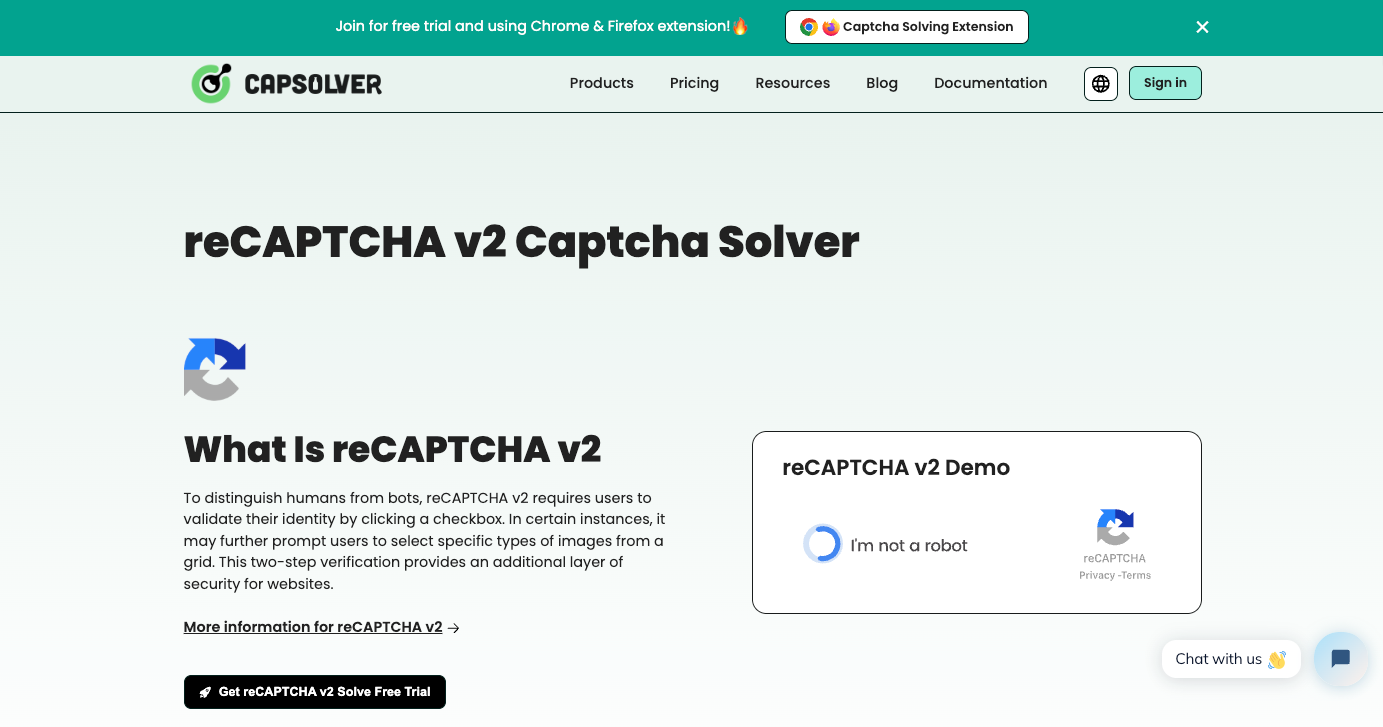
Capsolver Automatic CAPTCHA Solving Service can easily solve reCAPTCHA v2. Capsolver provides two CAPTCHA solving services that can help you to easily solve reCAPTCHA v2. One service is using Capsolver's API, and the other one is downloading the Extension.
You can sign up for CapSolver and get access to our CAPTCHA service, which is currently supported with a free trial.
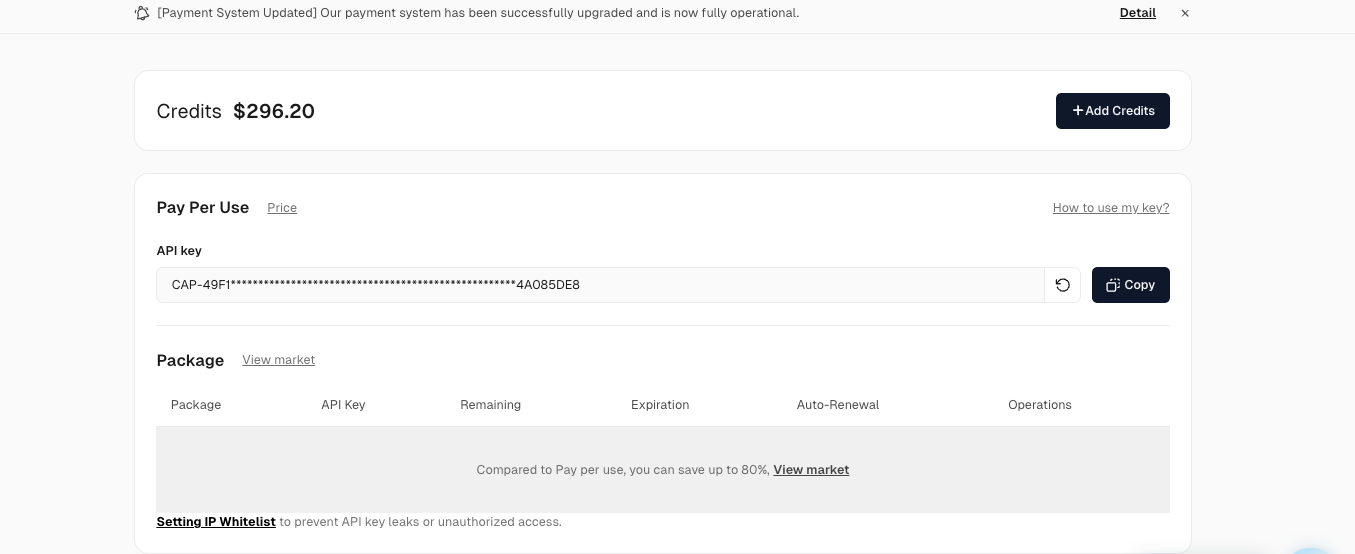
Once you have registered, you can obtain your api key from the home page panel.
To solve reCaptcha v2, you first need to create a task using the createTask method.
Here's the structure of the task object:
type: Required. This should be ReCaptchaV2Task or ReCaptchaV2TaskProxyLess.websiteURL: Required. This is the web address of the website using reCaptcha v2.websiteKey: Required. This is the domain's public key.proxy: Optional. If you're using a proxy, you can include it here.isInvisible: Optional. If the reCaptcha doesn't have pageAction, set this to true.userAgent: Optional. If you're emulating a browser, include its User-Agent here.cookies: Optional. If you need to use cookies, include them here.Here's an example request:
{
  "clientKey": "YOUR_API_KEY",
  "task": {
    "type": "ReCaptchaV2Task",
    "websiteURL": "https://www.google.com/recaptcha/api2/demo",
    "websiteKey": "6Le-wvkSAAAAAPBMRTvw0Q4Muexq9bi0DJwx_mJ-",
    "isInvisible": false,
    "userAgent": "",
    "cookies": [
      {
        "name": "__Secure-3PSID",
        "value": "sdadasdasdsda"
      },
      {
        "name": "__Secure-3PAPISID",
        "value": "sd/AytXQTb6RUALqxSEL"
      }
    ],
    "proxy": ""
  }
}
Once the task is successfully submitted, you'll receive a Task ID in the response:
{
  "errorId": 0,
  "errorCode": "",
  "errorDescription": "",
  "taskId": "61138bb6-19fb-11ec-a9c8-0242ac110006"
}Once you have the Task ID, you can use it to retrieve the solution. Submit the Task ID with the getTaskResult method. The results should be ready within an interval of 1s to 10s.
Here's an example request:
{
  "clientKey": "YOUR_API_KEY",
  "taskId": "61138bb6-19fb-11ec-a9c8-0242ac110006"
}
The response will include the solution token:
{
  "errorId": 0,
  "errorCode": null,
  "errorDescription": null,
  "solution": {
    "userAgent": "xxx",
    "expireTime": 1671615324290,
    "gRecaptchaResponse": "3AHJ....." // This is the solution token
  },
  "status": "ready"
}#pip install --upgrade capsolver
#export CAPSOLVER_API_KEY='...'
import capsolver
# capsolver.api_key = "..."
solution = capsolver.solve({
"type": "ReCaptchaV2TaskProxyLess",
"websiteURL": "https://www.google.com/recaptcha/api2/demo",
"websiteKey": "6Le-wvkSAAAAAPBMRTvw0Q4Muexq9bi0DJwx_mJ-",
})package main
import (
"fmt"
capsolver_go "github.com/capsolver/capsolver-go"
"log"
)
func main() {
// first you need to install sdk
//go get github.com/capsolver/capsolver-go
//export CAPSOLVER_API_KEY='...' or
//capSolver := CapSolver{ApiKey:"..."}
capSolver := capsolver_go.CapSolver{}
solution, err := capSolver.Solve(map[string]any{
"type": "ReCaptchaV2TaskProxyLess",
"websiteURL": "https://www.google.com/recaptcha/api2/demo",
"websiteKey": "6Le-wvkSAAAAAPBMRTvw0Q4Muexq9bi0DJwx_mJ-",
})
if err != nil {
log.Fatal(err)
return
}
fmt.Println(solution)
}This ensures that integrating CapSolver products into your infrastructure is as easy as possible.Capsolver supports multiple languages and provides ready-to-use code samples to ensure that you can get started with your web projects quickly and easily.
reCAPTCHA v2 is a widely used security measure to protect websites from automated bot attacks. It presents users with challenges like selecting specific images or solving puzzles to verify their human identity. However, there are techniques and methods to automate the process of solving reCAPTCHA v2. These methods include manual solving, automated solutions, OCR image interpretation, and cracking the reCAPTCHA v2 algorithm. It's important to note that solving reCAPTCHA v2 may violate terms of service and could result in access restrictions.
Aloísio Vítor
Image Processing Expert
Interpreting the visual signals behind web workflows.
ABOUT THE AUTHOR
Understand reCAPTCHA v3 score range (0.0 to 1.0), its meaning, and how to improve your score. Learn how to handle low scores and optimize user experience.

Facing "reCAPTCHA Invalid Site Key" or "invalid reCAPTCHA token" errors? Discover common causes, step-by-step fixes, and troubleshooting tips to resolve reCAPTCHA verification failed issues. Learn how to fix reCAPTCHA verification failed please try again.

