
🎉NEWCapSolver for AI agents-MCP, agent tools, and SDK integrations

Lucas Mitchell
Automation Engineer
Published Sep 02, 2024
Updated Sep 02, 2024 · min read
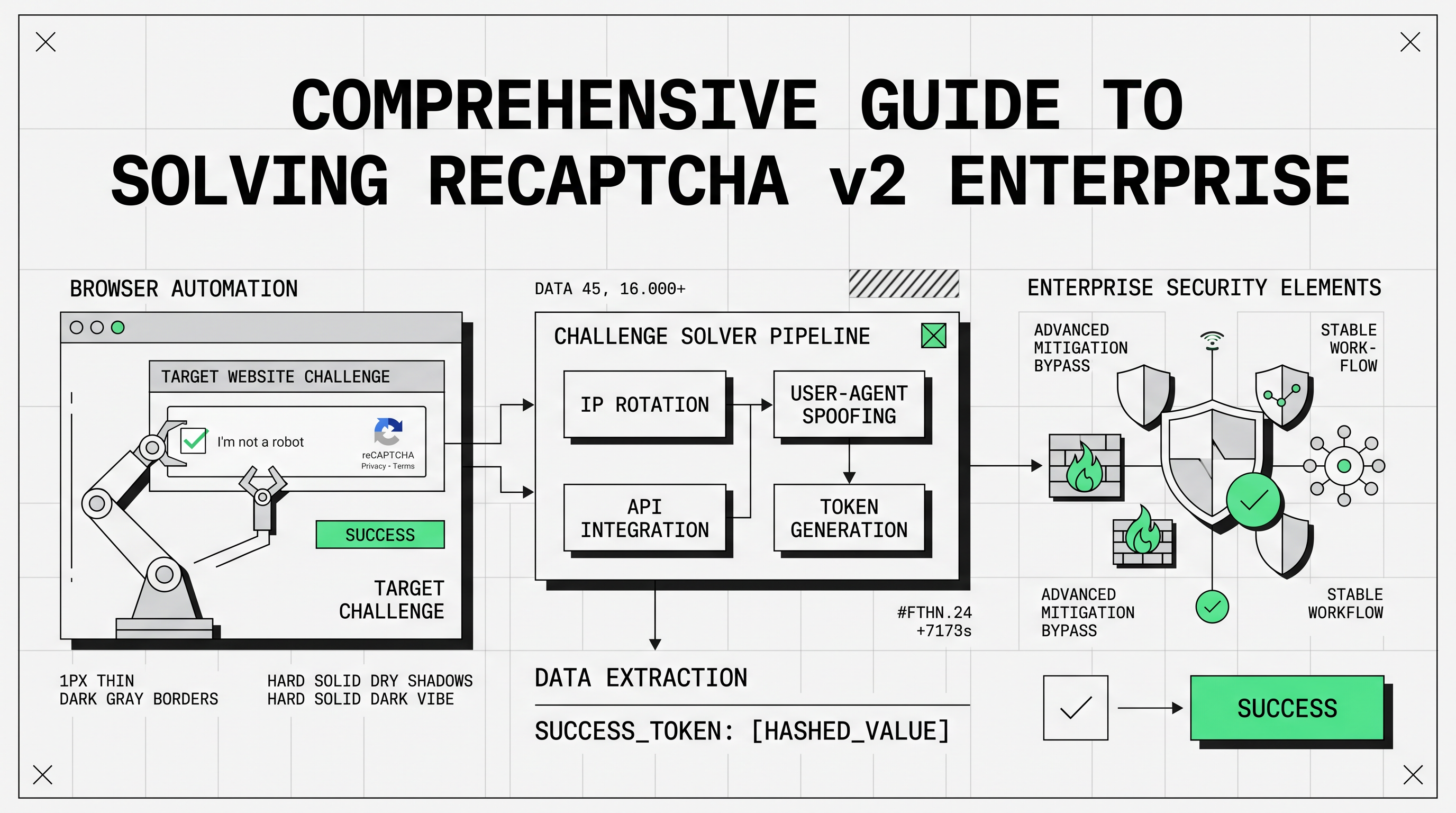
Solving reCAPTCHA v2 Enterprise can be a daunting task, especially given the advanced security measures Google has implemented to prevent automated systems from bypassing it. However, with the right approach and tools, it's possible to tackle this challenge effectively. This guide will walk you through the process of solving reCAPTCHA v2 Enterprise, from understanding its complexities to using available services and techniques.
reCAPTCHA v2 Enterprise is a more secure version of the traditional reCAPTCHA v2. It’s designed to prevent automated bots from accessing websites by presenting challenges that are difficult for machines but easy for humans. Unlike the standard version, the Enterprise edition comes with enhanced security features, making it more challenging to solve.
Advanced Risk Analysis: reCAPTCHA v2 Enterprise uses sophisticated algorithms to analyze user behavior and interaction patterns, making it difficult for bots to mimic human actions.
Increased Challenge Complexity: The challenges presented are often more complex, requiring multiple attempts or sophisticated techniques to solve.
Server-Side Validation: Google performs additional server-side checks, which can flag suspicious activity, increasing the likelihood of reCAPTCHA being triggered repeatedly.
Manual solving involves human users completing the CAPTCHA challenges. This method is the most reliable for ensuring CAPTCHA completion, but it is not scalable for large-scale operations due to the manual effort required.
CapSolver is a highly reliable solution for solving reCAPTCHA v2 Enterprise challenges. To get started, it's crucial to ensure you're using the correct task type: ReCaptchaV2EnterpriseTask or ReCaptchaV2EnterpriseTaskProxyLess. It's essential to confirm that the CAPTCHA you are trying to solve is indeed reCAPTCHA v2 Enterprise and not a standard v2.
To identify the required parameters, you can use the CapSolver Extension Utility. Various types of CAPTCHAs, including reCaptcha,Cloudflare and more exist online. Understanding these parameters is key to solving them effectively. Here's how you can easily identify CAPTCHA parameters using the CapSolver Extension:
Installation:
CapSolver Setup:
Visit CapSolver.
Press the "F12" key on your keyboard to open the developer tools.
Navigate to the CapSolver Captcha Detector tab.

Detection:
Identifying reCAPTCHA Parameters:
If the CAPTCHA is indeed reCAPTCHA v2 Enterprise, the isEnterprise parameter will appear with the appropriate indicator, confirming its type.
# pip install requests
import requests
import time

# Configuration
api_key = "YOUR_API_KEY"  # Replace with your CapSolver API key
site_key = ""  # Replace with the site key of the target site
site_url = ""  # Replace with the page URL of the target site

def capsolver():
    payload = {
        "clientKey": api_key,
        "task": {
            "type": 'ReCaptchaV2EnterpriseTaskProxyLess',
            "websiteKey": site_key,
            "websiteURL": site_url
        }
    }

    # Create the task
    response = requests.post("https://api.capsolver.com/createTask", json=payload)
    response_data = response.json()
    task_id = response_data.get("taskId")

    if not task_id:
        print(f"Failed to create task: {response.text}")
        return

    print(f"Task created successfully. Task ID: {task_id}. Retrieving result...")

    # Poll for the task result
    while True:
        time.sleep(3)  # Delay between requests
        result_payload = {"clientKey": api_key, "taskId": task_id}
        result_response = requests.post("https://api.capsolver.com/getTaskResult", json=result_payload)
        result_data = result_response.json()
        status = result_data.get("status")

        if status == "ready":
            return result_data.get("solution", {}).get('gRecaptchaResponse')
        elif status == "failed" or result_data.get("errorId"):
            print(f"Solve failed! Response: {result_response.text}")
            return

token = capsolver()
if token:
print(f"CAPTCHA solved successfully. Token: {token}")package main
import (
"bytes"
"context"
"encoding/json"
"errors"
"fmt"
"io"
"net/http"
"time"
)
// capSolverResponse represents the response structure from CapSolver API
type capSolverResponse struct {
ErrorId int32 `json:"errorId"`
ErrorCode string `json:"errorCode"`
ErrorDescription string `json:"errorDescription"`
TaskId string `json:"taskId"`
Status string `json:"status"`
Solution map[string]any `json:"solution"`
}
// capSolver handles the communication with CapSolver API to solve a CAPTCHA
func capSolver(ctx context.Context, apiKey string, taskData map[string]any) (*capSolverResponse, error) {
createTaskURL := "https://api.capsolver.com/createTask"
response, err := request(ctx, createTaskURL, map[string]any{
"clientKey": apiKey,
"task": taskData,
})
if err != nil {
return nil, err
}
if response.ErrorId != 0 {
return nil, errors.New(response.ErrorDescription)
}
resultURL := "https://api.capsolver.com/getTaskResult"
for {
select {
case <-ctx.Done():
return response, errors.New("solve timeout")
case <-time.After(time.Second):
result, err := request(ctx, resultURL, map[string]any{
"clientKey": apiKey,
"taskId": response.TaskId,
})
if err != nil {
return nil, err
}
if result.ErrorId != 0 {
return nil, errors.New(result.ErrorDescription)
}
if result.Status == "ready" {
return result, nil
}
}
}
}
// request handles the HTTP POST requests to CapSolver API
func request(ctx context.Context, url string, payload interface{}) (*capSolverResponse, error) {
payloadBytes, err := json.Marshal(payload)
if err != nil {
return nil, err
}
req, err := http.NewRequestWithContext(ctx, "POST", url, bytes.NewReader(payloadBytes))
if err != nil {
return nil, err
}
req.Header.Set("Content-Type", "application/json")
client := &http.Client{}
resp, err := client.Do(req)
if err != nil {
return nil, err
}
defer resp.Body.Close()
responseData, err := io.ReadAll(resp.Body)
if err != nil {
return nil, err
}
var capResponse capSolverResponse
if err := json.Unmarshal(responseData, &capResponse); err != nil {
return nil, err
}
return &capResponse, nil
}
func main() {
apiKey := "YOUR_API_KEY"
ctx, cancel := context.WithTimeout(context.Background(), 2*time.Minute)
defer cancel()
result, err := capSolver(ctx, apiKey, map[string]any{
"type": "ReCaptchaV2EnterpriseTaskProxyLess",
"websiteURL": "", // Replace with the target website URL
"websiteKey": "", // Replace with the target site key
})
if err != nil {
panic(err)
}
fmt.Printf("CAPTCHA solved successfully. Token: %v\n", result.Solution["gRecaptchaResponse"])
}For a detailed explanation of the code and the required parameters, please refer to the official CapSolver documentation:
This resource provides comprehensive guidance on configuring and utilizing CapSolver to effectively solve reCAPTCHA v2 Enterprise challenges. It includes in-depth information on parameter requirements, task types, and advanced usage techniques to ensure optimal results.
Lucas Mitchell
Automation Engineer
Helping browser automation recover and continue.
ABOUT THE AUTHOR
Understand reCAPTCHA v3 score range (0.0 to 1.0), its meaning, and how to improve your score. Learn how to handle low scores and optimize user experience.

Facing "reCAPTCHA Invalid Site Key" or "invalid reCAPTCHA token" errors? Discover common causes, step-by-step fixes, and troubleshooting tips to resolve reCAPTCHA verification failed issues. Learn how to fix reCAPTCHA verification failed please try again.


