ProductsIntegrationsResourcesDocumentationPricing
Start Now

© 2026 CapSolver. All rights reserved.

CONTACT US

Slack: lola@capsolver.com

Products

  • reCAPTCHA v2
  • reCAPTCHA v3
  • Cloudflare Turnstile
  • Cloudflare Challenge
  • AWS WAF
  • Browser Extension
  • Many more CAPTCHA types

Integrations

  • Selenium
  • Playwright
  • Puppeteer
  • n8n
  • Partners
  • View All Integrations

Resources

  • Referral System
  • Documentation
  • API Reference
  • Blog
  • FAQs
  • Glossary
  • Status

Legal

  • Terms & Conditions
  • Privacy Policy
  • Refund Policy
  • Don't Sell My Info
Blog/reCAPTCHA/How to find the pageAction for reCaptcha v2 and v3
Jun05, 2024

How to find the pageAction for reCaptcha v2 and v3

Rajinder Singh

Rajinder Singh

Deep Learning Researcher

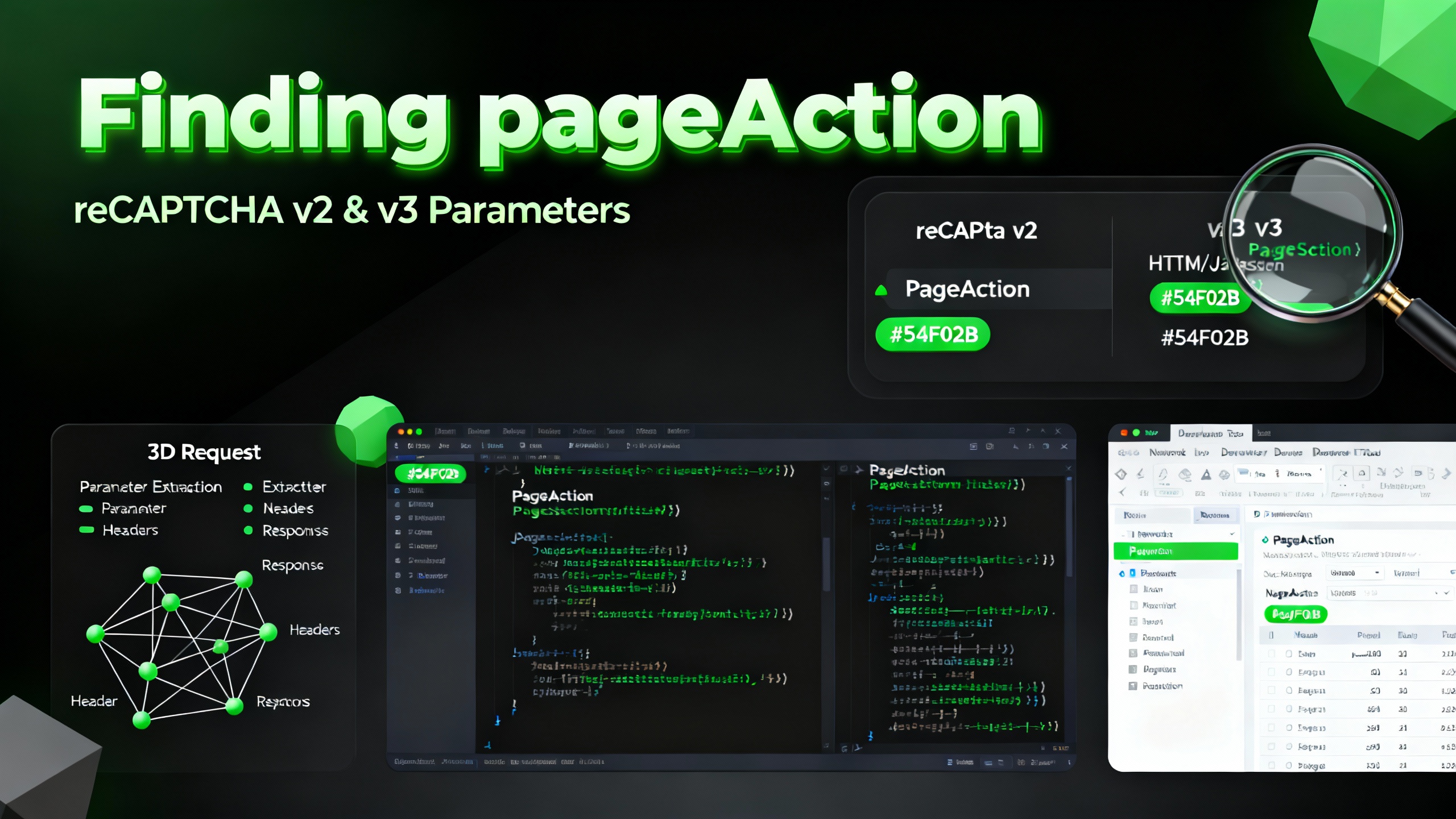
Understanding the pageAction parameter is crucial for effective reCaptcha v2 and v3 integration. Here's a guide to help you identify and use the pageAction parameter.

Introduction to reCaptcha Versions

reCaptcha v2 Variants

  • Normal: Standard version where users solve a puzzle.
  • Enterprise: Advanced, paid version with more features for businesses.
  • Invisible: Operates in the background with minimal user interaction.

reCaptcha v3

  • Risk Analysis: Uses a risk analysis engine to score user interactions, requiring no user interaction most of the time.

What is pageAction?

pageAction is a parameter used in reCaptcha v3 for risk analysis, representing the 'action' value. It helps in assessing the risk associated with different user actions on a page.

Steps to Detect pageAction

1. Installation

Chrome Users

  • Install the Captcha Solver Auto Solve extension.

Firefox Users

  • Install the Captcha Solver Auto Solve extension.

2. CapSolver Setup

  • Visit CapSolver
  • Press F12 on your keyboard to open the developer tools.
  • Go to the CapSolver Captcha Detector tab.

Redeem Your CapSolver Bonus Code

Don’t miss the chance to further optimize your operations! Use the bonus code CAPN when topping up your CapSolver account and receive an extra 5% bonus on each recharge, with no limits. Visit the CapSolver to redeem your bonus now!

3. Detection

  • Keep the CapSolver panel open and visit the website where you want to trigger the CAPTCHA.
  • Trigger the captcha.
  • Do not close the CapSolver panel before triggering the CAPTCHA.

Identifying the pageAction Parameter

When using the CapSolver extension, it will detect various reCaptcha parameters, including pageAction. Follow these steps:

  1. Open Developer Tools: Press F12 to open the developer tools.
  2. Navigate to CapSolver Tab: Select the CapSolver Captcha Detector tab.
  3. Trigger the CAPTCHA: Perform the action on the website that triggers the reCaptcha.
  4. View Detected Parameters: The CapSolver panel will display all detected parameters, including pageAction.

Example JSON Output

After detection, CapSolver will provide a JSON with all relevant parameters, such as:

json Copy
{
  "clientKey": "YOUR_API_KEY",
  "task": {
    "type": "ReCaptchaV2TaskProxyless",
    "websiteURL": "",
    "websiteKey": "",
    "pageAction": "submit",
  }
}

Conclusion

Detecting the pageAction parameter is a straightforward process with the CapSolver extension. This parameter is essential for proper reCaptcha v3 integration and helps enhance your website's security by accurately assessing user interactions.

For more detailed information and advanced configurations, refer to the CapSolver documentation.

More

reCAPTCHAApr 16, 2026

reCAPTCHA Score Explained: Range, Meaning, and How to Improve It

Understand reCAPTCHA v3 score range (0.0 to 1.0), its meaning, and how to improve your score. Learn how to handle low scores and optimize user experience.

Rajinder Singh
Rajinder Singh
reCAPTCHAApr 16, 2026

reCAPTCHA Invalid Site Key or Token? Causes & Fix Guide

Facing "reCAPTCHA Invalid Site Key" or "invalid reCAPTCHA token" errors? Discover common causes, step-by-step fixes, and troubleshooting tips to resolve reCAPTCHA verification failed issues. Learn how to fix reCAPTCHA verification failed please try again.


Contents

Aloísio Vítor
Aloísio Vítor
reCAPTCHAApr 15, 2026

reCAPTCHA Verification Failed? How to Fix "Please Try Again" Errors

Fix reCAPTCHA verification failed errors fast. Step-by-step manual fixes for users and a Python API guide for developers using CapSolver. Covers v2, v3, and Enterprise.

Adélia Cruz
Adélia Cruz
reCAPTCHAApr 15, 2026

reCAPTCHA v2 vs v3: Key Differences Every Developer Should Know

Understand the difference between reCAPTCHA v2 and v3 — how each works, when to use them, and how automated workflows handle both. A clear, technical comparison for developers.

Nikolai Smirnov
Nikolai Smirnov