
🎉NEWCapSolver for AI agents-MCP, agent tools, and SDK integrations

Sora Fujimoto
AI Solutions Architect
Published Aug 13, 2024
Updated Aug 13, 2024 · min read
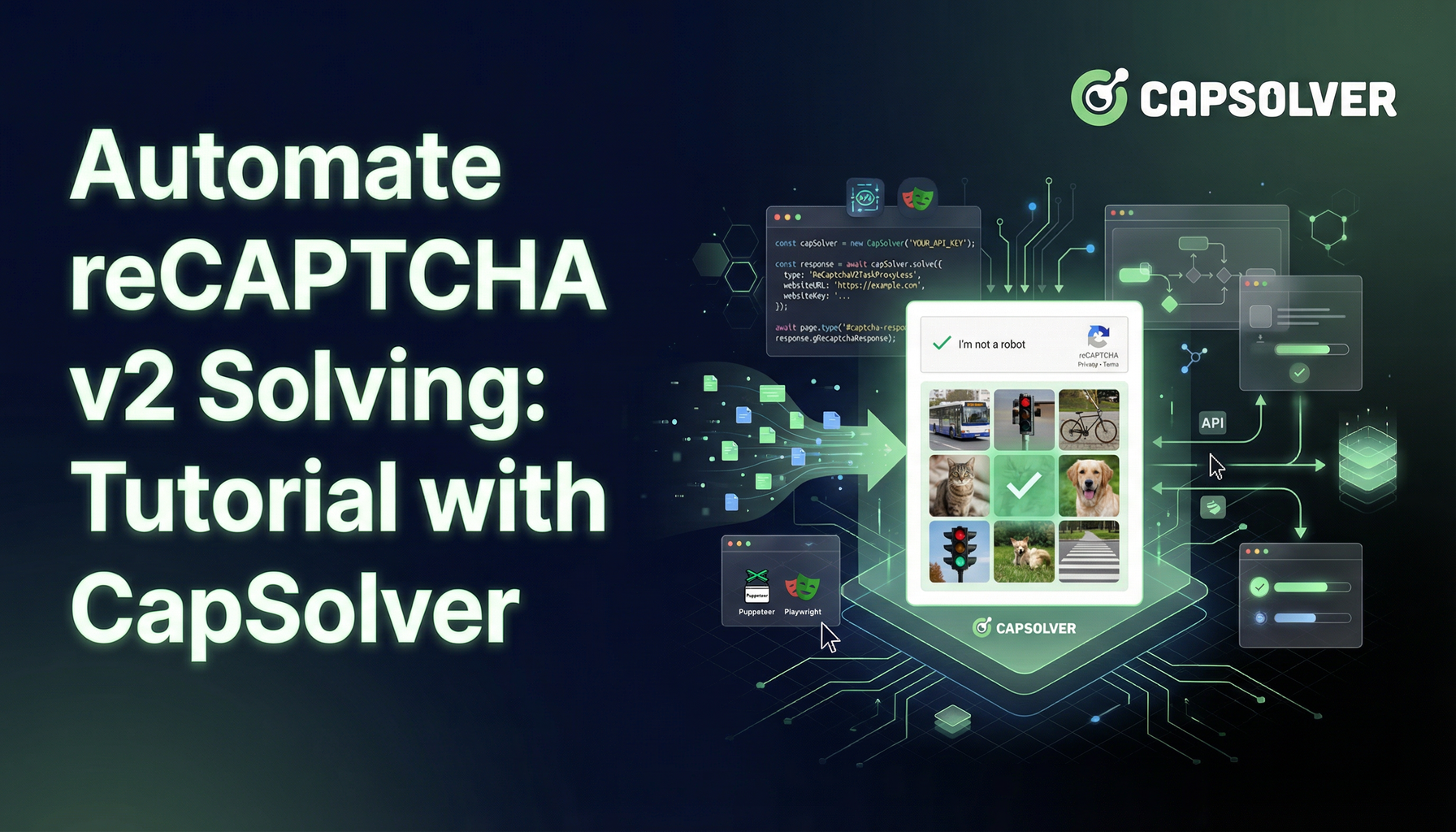
reCAPTCHA v2 is designed to block automated traffic through image selection and checkbox-based verification, but it often slows down legitimate automation and web crawling tasks. By using CapSolver, developers can automate the solving of reCAPTCHA v2 in a compliant and efficient way. This guide explains how reCAPTCHA v2 works, why automation is beneficial, and provides a complete Python-based workflow for obtaining and using reCAPTCHA v2 tokens via CapSolver.
For those of you who are frequent web crawlers, have you ever felt that reCAPTCHA v2 is like the Internet's version of an overzealous referee who can't move without questioning your authenticity? But how great would it be if you could easily and compliantly reconcile yourself with these referees and make your web search and automation tasks smoother than ever before. So, get ready to meet your new friend: CapSolver. Let's find out how you can easily automate the solution to reCAPTCHA v2 by CapSolver
Before we dive into our rescue mission, let’s understand our nemesis: v2 reCAPTCHA. This challenge is designed to keep bots at bay by making you prove your humanity through clicking on images or selecting checkboxes. Effective? Yes. Annoying? Absolutely. But do not worry, the market has some particularly skilled in dealing with these Captcha according to such as the title said CapSolver. We will introduce the specific method later, first learn what the general types of reCAPTCHA v2 challenges:
These methods are effective in deterring automated bots but can be a nuisance for legitimate users. That’s where CapSolver comes in, simplifying the process
Struggling with the repeated failure to completely solve the irritating captcha?
Discover seamless automatic captcha solving with Capsolver AI-powered Auto Web Unblock technology!
Redeem Your CapSolver Bonus Code
Boost your automation budget instantly!
Use bonus code CAPN when topping up your CapSolver account to get an extra 5% bonus on every recharge — with no limits.
Redeem it now in your CapSolver Dashboard
.
reCAPTCHA v2 employs behavior analysis to distinguish bots from humans. It monitors factors like mouse movements, keyboard inputs, and click behaviors to verify genuine users, making bot evasion more challenging.
Think about all the time you’ve wasted trying to decipher squiggly lines or identifying traffic lights in blurry photos. Automating v2 reCAPTCHA solving not only saves you from this drudgery but also streamlines tasks like web scraping, data extraction. CapSolver: takes the heavy lifting off your shoulders, allowing you to focus on what really matters.
Ready to use CapSolver on reCAPTCHA v2? First things first, set up an account and grab your API key. CapSolver’s documentation is like a treasure map, guiding you every step of the way.
In your browser's request log, look for a request like /recaptcha/api2/reload?k=6LcR_okUAAAAAPYrPe-HK_0RULO1aZM15ENyM-Mf, where k= is the Site Key you need.
If you provide an incorrect key, you'll receive an error message like this:
Solve failed! response: {"errorId":1,"errorCode":"ERROR_INVALID_TASK_DATA","errorDescription":"Invalid site key","taskId":"1cd1e687-96dd-4f14-b8ef-18b5d144d9b8","status":"failed"}If you call the wrong version of ReCaptcha (V2 or V3), and there's a mismatch between the target site type and the API type (task.type), you'll see this message:
Solve failed! response: {"errorId":1,"errorCode":"ERROR_CAPTCHA_SOLVE_FAILED","errorDescription":"Failed to solve the captcha: 1001","taskId":"da450cbc-ff9d-439d-908a-77e7eb8852dd","status":"failed"}# pip install requests
import requests
import time
# TODO: Set your configuration
api_key = "YOUR_API_KEY" # Your CapSolver API key
site_key = "6Le-wvkSAAAAAPBMRTvw0Q4Muexq9bi0DJwx_mJ-" # Site key of your target site
site_url = "https://www.google.com/recaptcha/api2/demo" # Page URL of your target site
# site_key = "6LelzS8UAAAAAGSL60ADV5rcEtK0x0lRsHmrtm62"
# site_url = "https://mybaragar.com/index.cfm?event=page.SchoolLocatorPublic&DistrictCode=BC45"
def capsolver():
payload = {
"clientKey": api_key,
"task": {
"type": 'ReCaptchaV2TaskProxyLess',
"websiteKey": site_key,
"websiteURL": site_url
}
}
res = requests.post("https://api.capsolver.com/createTask", json=payload)
resp = res.json()
task_id = resp.get("taskId")
if not task_id:
print("Failed to create task:", res.text)
return
print(f"Got taskId: {task_id} / Getting result...")
while True:
time.sleep(3) # Delay
payload = {"clientKey": api_key, "taskId": task_id}
res = requests.post("https://api.capsolver.com/getTaskResult", json=payload)
resp = res.json()
status = resp.get("status")
if status == "ready":
return resp.get("solution", {}).get('gRecaptchaResponse')
if status == "failed" or resp.get("errorId"):
print("Solve failed! response:", res.text)
return
token = capsolver()
print(token)Step 1- Create the Task: This sends a request to CapSolver to initiate solving the reCAPTCHA by providing the site_key and site_url. The task_id returned is used to track the status of this request.
Step 2-Poll for the Task Result: The script waits for the CAPTCHA solving process to complete. It repeatedly checks the status of the task every 3 seconds. When the status is "ready," the solution is returned.
Step 3- Check the Task Status: If the task is successfully solved, the solution is returned. Otherwise, the script logs an error message and stops.
Step 4-Obtain and Use the Token: Once the token is obtained, you can use it to bypass the CAPTCHA on your target website, typically by including it in a form submission or an AJAX request.
This code provides a complete workflow for automating the reCAPTCHA-solving process using CapSolver, along with practical examples of how to use the returned token in real scenarios. So, the next time you’re faced with the frustration of a reCAPTCHA challenge, remember that with the right approach and tools, even the most persistent gatekeepers can be overcome.
Important: When engaging in web scraping, it's crucial to adhere to legal and ethical guidelines. Always ensure that you have permission to scrape the target website, and respect the site's
robots.txtfile and terms of service. CapSolver firmly opposes the misuse of our services for any non-compliant activities. Misuse of automated tools to bypass CAPTCHAs without proper authorization can lead to legal consequences. Make sure your scraping activities are compliant with all applicable lcaptcha and regulations to avoid potential issues.
CapSolver supports common reCAPTCHA v2 challenges, including checkbox-based verification and image recognition challenges. It returns a valid gRecaptchaResponse token that can be used in form submissions or background requests.
At a minimum, you need the site key, the page URL, and a valid CapSolver API key. Providing the correct reCAPTCHA version (v2) and matching task type is critical for successful solving.
In most cases, CapSolver returns a solution within a few seconds. Actual solving time may vary depending on challenge complexity, network conditions, and the target website’s configuration.
Automating reCAPTCHA solving must comply with applicable laws, website terms of service, and ethical guidelines. CapSolver is intended for authorized and compliant use cases only, such as testing, research, or approved automation workflows.
Sora Fujimoto
AI Solutions Architect
Connecting agents, browsers, and APIs into one workflow.
ABOUT THE AUTHOR
Understand reCAPTCHA v3 score range (0.0 to 1.0), its meaning, and how to improve your score. Learn how to handle low scores and optimize user experience.

Facing "reCAPTCHA Invalid Site Key" or "invalid reCAPTCHA token" errors? Discover common causes, step-by-step fixes, and troubleshooting tips to resolve reCAPTCHA verification failed issues. Learn how to fix reCAPTCHA verification failed please try again.


