🎉NEWCapSolver for AI agents-MCP, agent tools, and SDK integrations

Nikolai Smirnov
Software Development Lead
Published Apr 02, 2026
Updated Apr 02, 2026 · min read
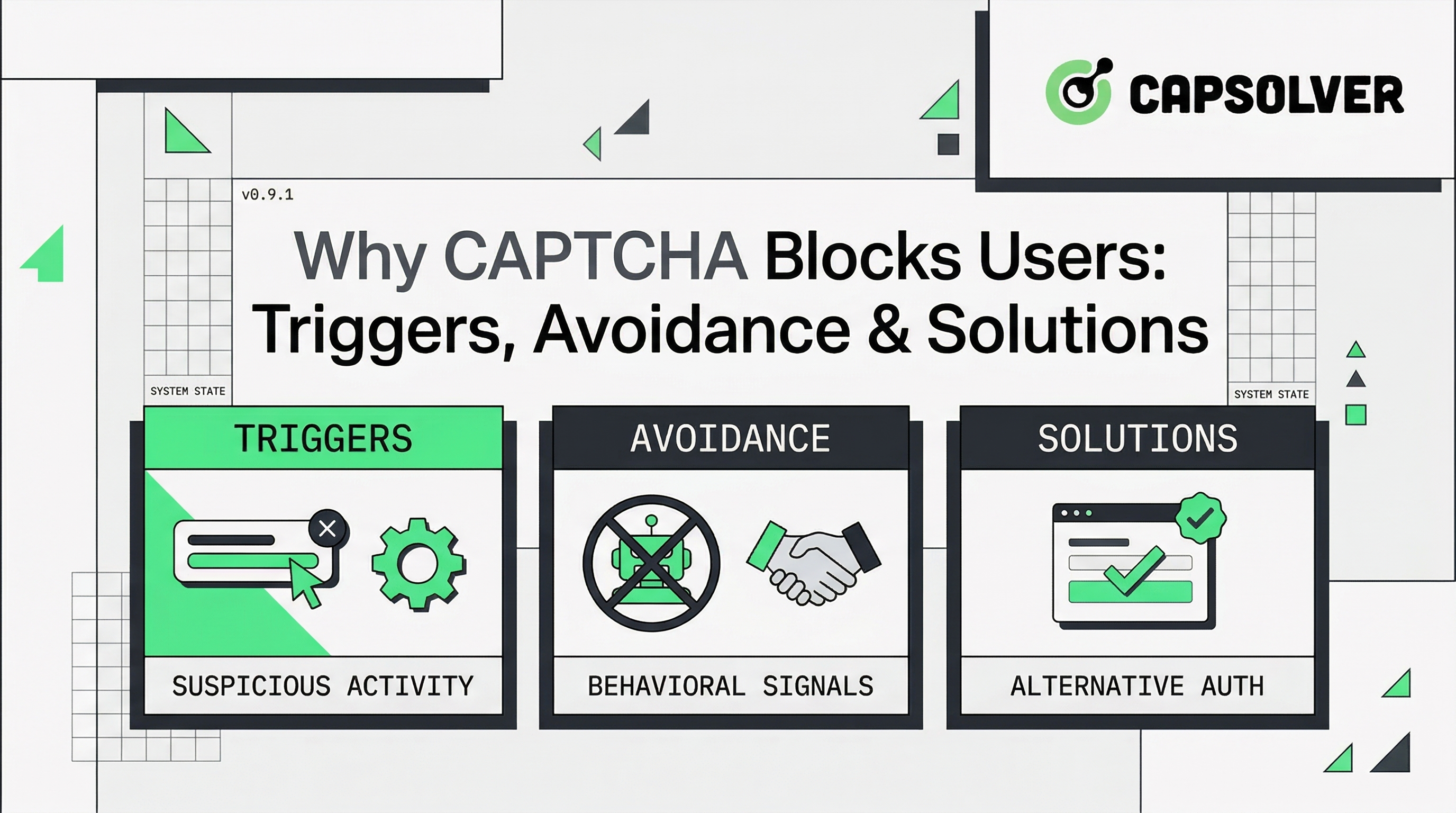
CAPTCHA (Completely Automated Public Turing test to tell Computers and Humans Apart) is a fundamental security layer designed to protect websites from spam, credential stuffing, and DDoS attacks. According to IBM's definition of CAPTCHA, its primary goal is distinguishing humans from bots, but this process is not always perfect. When you wonder why captcha blocks users, it is usually because the underlying security algorithms have flagged a specific interaction as "non-human." This friction often leads to a poor user experience, where even legitimate visitors find themselves stuck in an endless loop of verification challenges.
The logic behind these blocks is increasingly complex. Modern security systems analyze hundreds of signals, from mouse movements to network metadata. If a user's profile matches known bot patterns, they become "captcha blockees." Understanding these triggers is essential for both end-users trying to regain access and developers looking to optimize their security posture without alienating their audience.
Several factors can lead to a situation where a system mistakenly identifies a human as a bot. Identifying these triggers is the first step in understanding why captcha blocks users.
Knowing how to stop captcha from blocking me involves a mix of technical adjustments and behavioral changes.
| CAPTCHA Type | Description | User Experience | Security Level | Common Block Reason |
|---|---|---|---|---|
| Image Recognition | Identify objects in a grid. | Moderate (can be tedious) | High | Blurry images, task complexity |
| Text-Based | Type distorted characters. | Low (hard to read) | Low | OCR bypass, human error |
| Behavioral (Invisible) | Background analysis of signals. | Excellent (seamless) | Very High | JavaScript disabled, bot-like patterns |
| Logic Puzzles | Solve simple math or riddles. | Good (simple) | Low | Language barriers, scriptable |
In professional environments involving web scraping, data aggregation, or high-frequency API calls, manual CAPTCHA solving is not an option. This is where captcha blocking automation tools becomes a significant hurdle. Developers must integrate sophisticated solutions that can navigate these challenges without compromising the integrity of their workflows.
In large-scale automation workflows, handling CAPTCHA efficiently becomes critical. Solutions like automated captcha solver help streamline this process by providing a reliable bridge between complex security challenges and automated scripts. By integrating a professional captcha API solution, developers can ensure their systems remain operational even when faced with the most advanced bot detection mechanisms. Understanding how CAPTCHAs work is essential for building resilient automation that respects site security while maintaining efficiency.
When traditional methods fail to keep up with the volume of requests, CapSolver provides a robust alternative. It is designed specifically for scenarios where "why captcha blocks users" becomes a business-critical problem in automation.
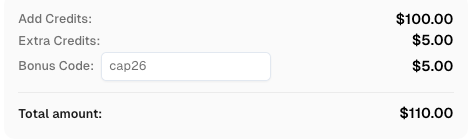
Use code
CAP26when signing up at CapSolver to receive bonus credits!
CapSolver offers a developer-friendly API that can be integrated into any programming environment. This allows for the seamless handling of challenges without the need for manual intervention, making it an ideal captcha solving service for modern tech stacks.
CapSolver is engineered to handle a wide variety of challenges, ensuring high compatibility across different platforms:
The platform leverages AI-driven models to achieve industry-leading success rates. Speed is a priority, ensuring that your automation tasks are not delayed by lengthy verification processes.
Whether you are processing hundreds or millions of requests, CapSolver's infrastructure scales to meet your needs. This reliability is crucial for businesses that cannot afford downtime due to being flagged as "captcha blockees."
Understanding why captcha blocks users is the first step toward creating a more accessible and secure web. While CAPTCHAs are necessary for protection, they should not be an insurmountable wall for legitimate users or efficient automation. By following best practices in browser hygiene and network management, individuals can reduce their friction. For organizations, leveraging professional tools like CapSolver ensures that security challenges are handled with the precision and scale required for modern digital operations.
If you're handling CAPTCHA in automation workflows, consider using CapSolver
A1: This is often due to your IP address having a poor reputation. If you are using a VPN or a shared network, the system might be grouping you with other "captcha blockees" who have triggered security alerts.
A2: Yes, certain extensions that block scripts or modify browser headers can make you look like a bot, leading to captcha blocking legitimate users.
A3: An automated captcha solver uses AI to interpret and solve challenges, allowing scripts to continue their work without being stopped by the "why captcha blocks users" issue.
A4: While you cannot "bypass" the security check, you can use a captcha API solution to solve the challenge programmatically, which is essential for automation.
A5: This is usually a troubleshooting captcha issues related to JavaScript being disabled or a firewall blocking the CAPTCHA provider's domain.
Nikolai Smirnov
Software Development Lead
Building dependable software for complex automation.
ABOUT THE AUTHOR
Explore how AI detects and solves CAPTCHA challenges, from image recognition to behavioral analysis. Understand the technology behind AI CAPTCHA solvers and how CapSolver aids automated workflows. Learn about the evolving battle between AI and human verification.

Compare top CAPTCHA solving APIs by speed, accuracy, uptime, and pricing. See how CapSolver, 2Captcha, CapMonster Cloud, and others stack up in our detailed performance comparison.