
🎉NEWCapSolver for AI agents-MCP, agent tools, and SDK integrations

Lucas Mitchell
Automation Engineer
Published Jan 12, 2024
Updated Jan 12, 2024 · min read
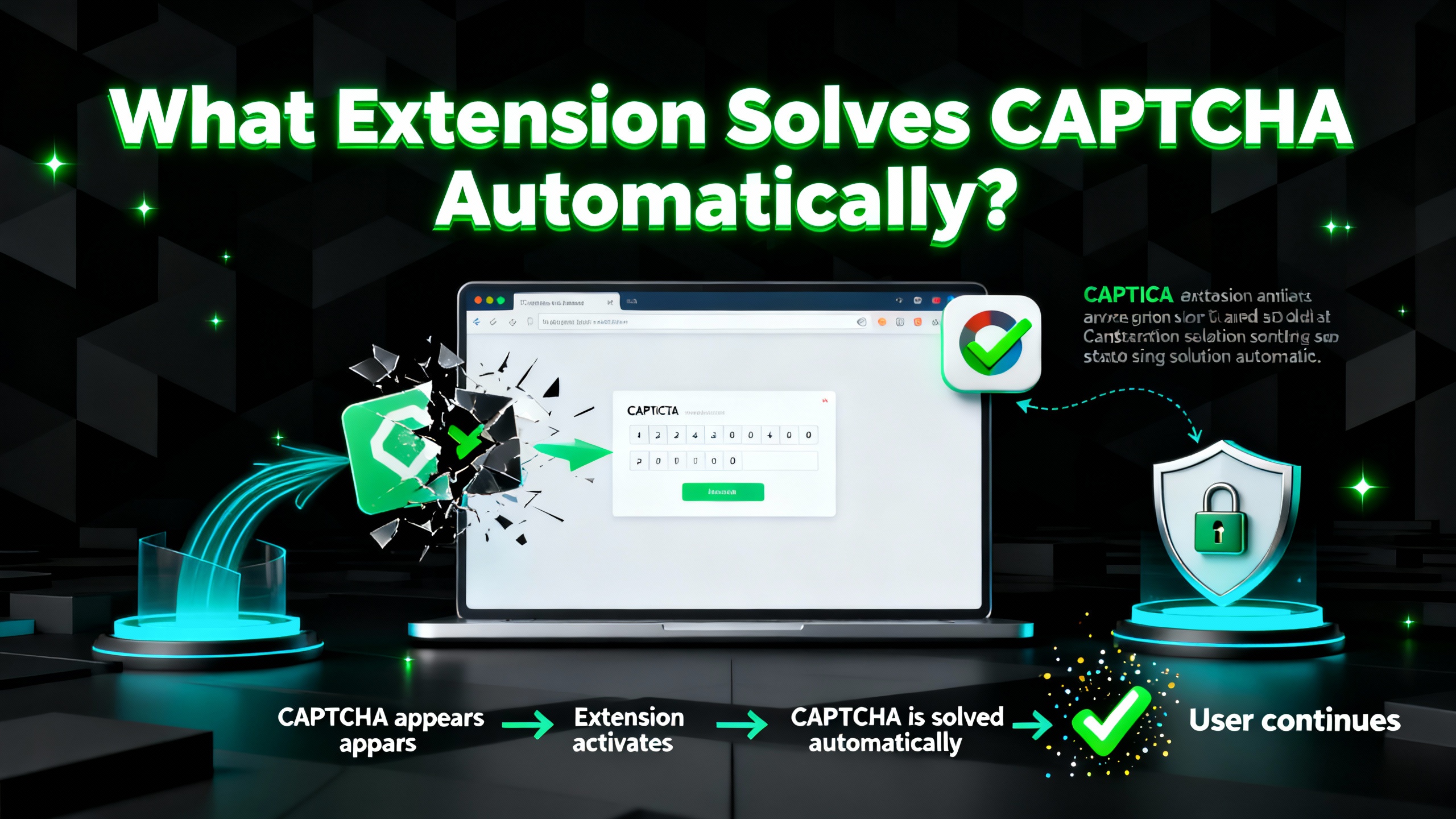
CAPTCHAs, or Completely Automated Public Turing tests to tell Computers and Humans Apart, are widely used to differentiate humans from bots on the internet. While CAPTCHAs serve as a security measure, they can also be time-consuming and frustrating for users. To overcome this challenge, browser extensions have been developed to automate the CAPTCHA solving process. In this article, we will explore the concept of CAPTCHAs, discuss the benefits of using extensions for CAPTCHA solving, and recommend CapSolver, a reliable extension for automated CAPTCHA solving.
CAPTCHA is a security measure designed to prevent automated bots from engaging in malicious activities or spamming websites. It typically involves presenting users with a challenge that requires human-like intelligence to solve, such as recognizing distorted text, selecting specific images, or solving simple puzzles. By successfully completing the CAPTCHA, users prove their human identity, ensuring a more secure browsing experience.
Manually solving CAPTCHAs can be time-consuming, especially when encountering them frequently during online activities. Extensions that automate CAPTCHA solving offer several benefits:
a. Time-saving: Automated CAPTCHA solving extensions eliminate the need for users to spend time deciphering and entering CAPTCHA challenges manually. This allows for a smoother browsing experience and increased productivity.
b. Convenience: With an automated CAPTCHA solver, users can seamlessly navigate websites without interruption, as the extension handles the CAPTCHA challenges in the background.
c. Accuracy: Extensions equipped with advanced algorithms and machine learning techniques can often achieve a higher success rate in solving CAPTCHAs compared to manual attempts. This reduces the frustration of failed attempts and ensures a seamless browsing experience.
CapSolver is a powerful and user-friendly browser extension designed to automatically handle CAPTCHA challenges. Built with precision and efficiency in mind, it helps users and developers maintain uninterrupted workflows across browsing, automation, and data collection tasks.
CapSolver leverages advanced artificial intelligence and computer vision models to analyze CAPTCHA challenges in real time. Instead of relying on manual input, the extension intelligently interprets each challenge and delivers accurate results within seconds. This ensures a consistently high success rate and smoother user experience.
The extension integrates directly into major browsers such as Chrome and Firefox. Once installed, CapSolver adds a lightweight interface to your toolbar, allowing quick configuration, easy activation, and clear visibility of solving progress — all without disrupting your normal browsing.
CapSolver is designed to adapt to a wide range of CAPTCHA systems commonly encountered across websites. Its flexible architecture allows it to detect and solve challenges on most modern sites automatically, making it a dependable companion for everyday browsing, testing, and automation tasks.
CapSolver Extension fits naturally into a variety of use cases where CAPTCHAs typically interrupt workflow:
Web Scraping & Data Collection
Automatically bypass CAPTCHA interruptions while gathering public data from websites, improving efficiency and reducing script downtime.
Account Management
Simplify login or sign-up processes for multiple accounts without manually entering CAPTCHA responses.
Content Access & Research
Remove the friction of repeated verification when accessing gated pages or online resources.
Automation & QA Workflows
Integrate CapSolver into automated testing or operational pipelines to keep processes running continuously without manual intervention.
Automating CAPTCHA solving with browser extensions offers a convenient and time-saving solution for users who frequently encounter CAPTCHA challenges during their online activities. CapSolver, with its advanced AI algorithms, seamless integration, and wide compatibility, stands out as a reliable extension for automated CAPTCHA solving. By leveraging CapSolver, users can navigate the web smoothly, enhance productivity, and overcome the frustrations associated with manual CAPTCHA solving. Embrace the power of CapSolver and enjoy a seamless browsing experience while leaving CAPTCHA challenges behind.
Q1: Which browsers are supported?
CapSolver currently supports Chrome and Firefox
Q2: What CAPTCHA types can it solve?
It handles reCAPTCHA v2/v3, hCaptcha, Cloudflare Turnstile, FunCaptcha, and other common formats.
Q3: Do I need coding knowledge?
No. The extension works automatically once installed and configured.
Q4: Can I use it in automation frameworks?
Yes. CapSolver’s API works seamlessly with Selenium, Puppeteer, Playwright, and similar tools.
Q5: Is it safe to use?
Absolutely. All solving requests are encrypted and processed securely without storing personal data.
Redeem Your CapSolver Bonus Code
Don’t miss the chance to further optimize your operations! Use the bonus code CAPN when topping up your CapSolver account and receive an extra 5% bonus on each recharge, with no limits. Visit the CapSolver Dashboard to redeem your bonus now!
Lucas Mitchell
Automation Engineer
Helping browser automation recover and continue.
ABOUT THE AUTHOR
Explore how AI detects and solves CAPTCHA challenges, from image recognition to behavioral analysis. Understand the technology behind AI CAPTCHA solvers and how CapSolver aids automated workflows. Learn about the evolving battle between AI and human verification.

Compare top CAPTCHA solving APIs by speed, accuracy, uptime, and pricing. See how CapSolver, 2Captcha, CapMonster Cloud, and others stack up in our detailed performance comparison.


