
🎉NEWCapSolver for AI agents-MCP, agent tools, and SDK integrations
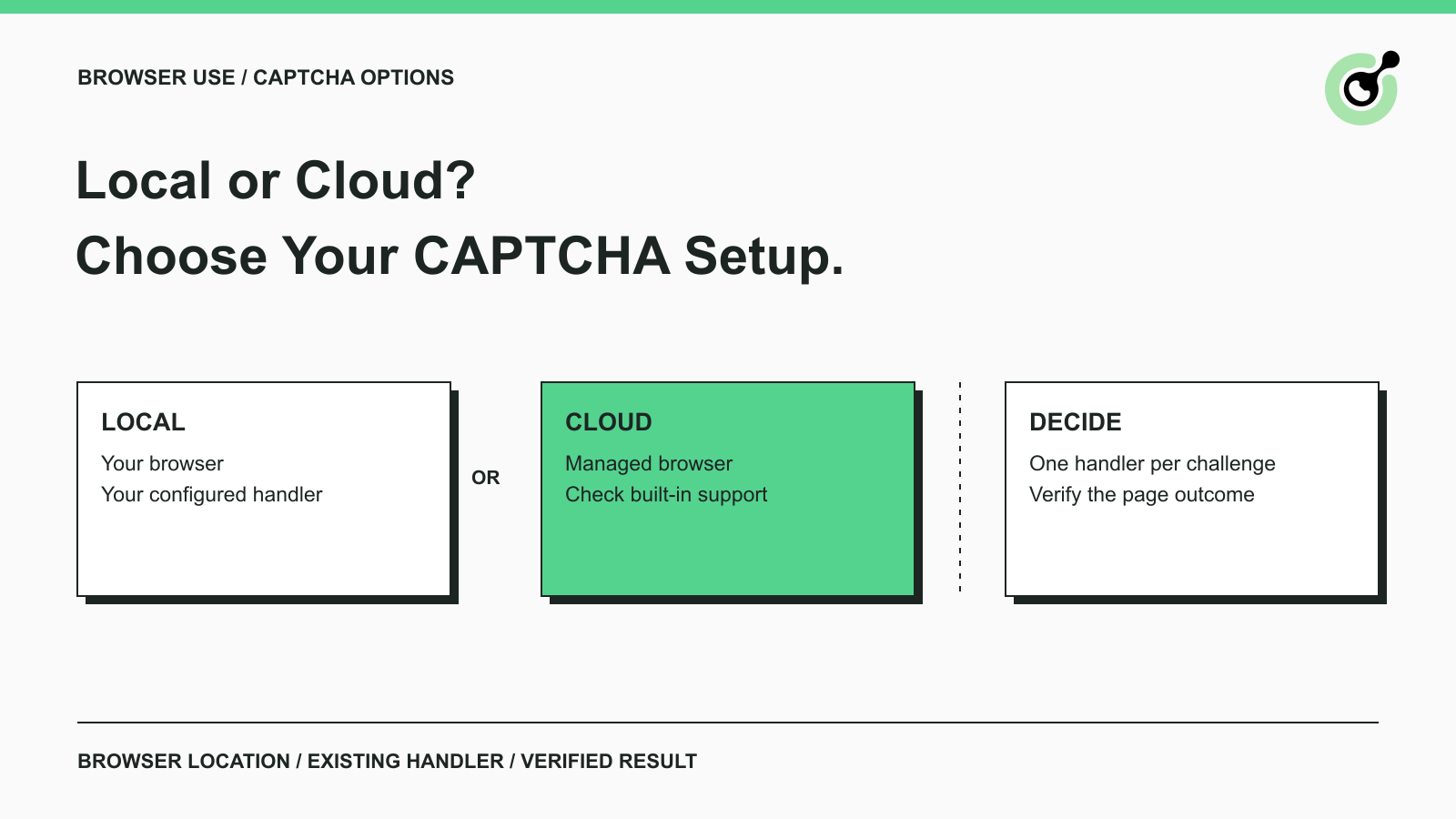
Compare Browser Use CAPTCHA handling in local and cloud browsers, learn where CapSolver fits, and choose a practical setup for authorized agent workflows.

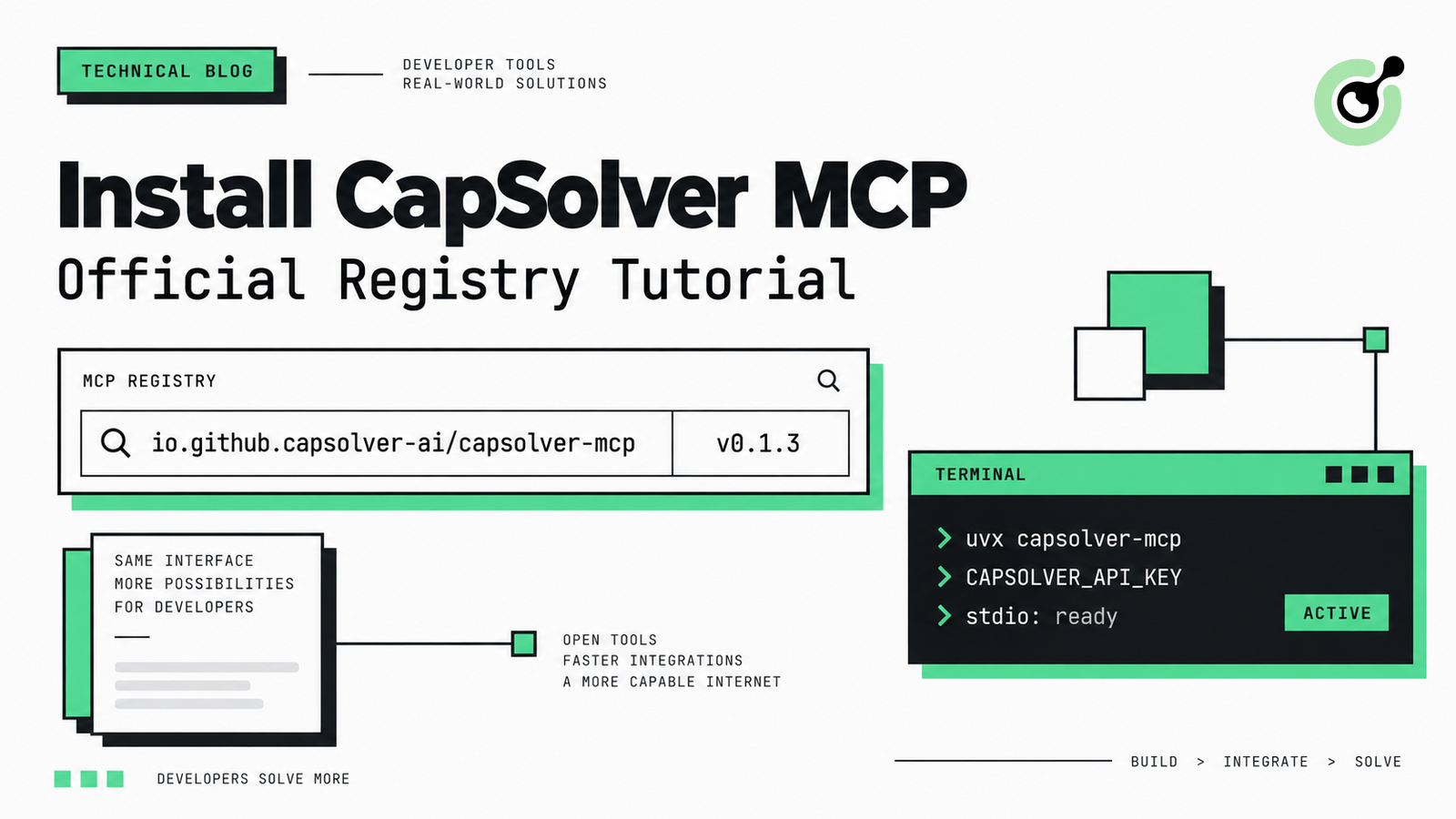
Find CapSolver MCP in the Official MCP Registry, install version 0.1.3 with uvx or pip, configure a local client, and verify the stdio tools.
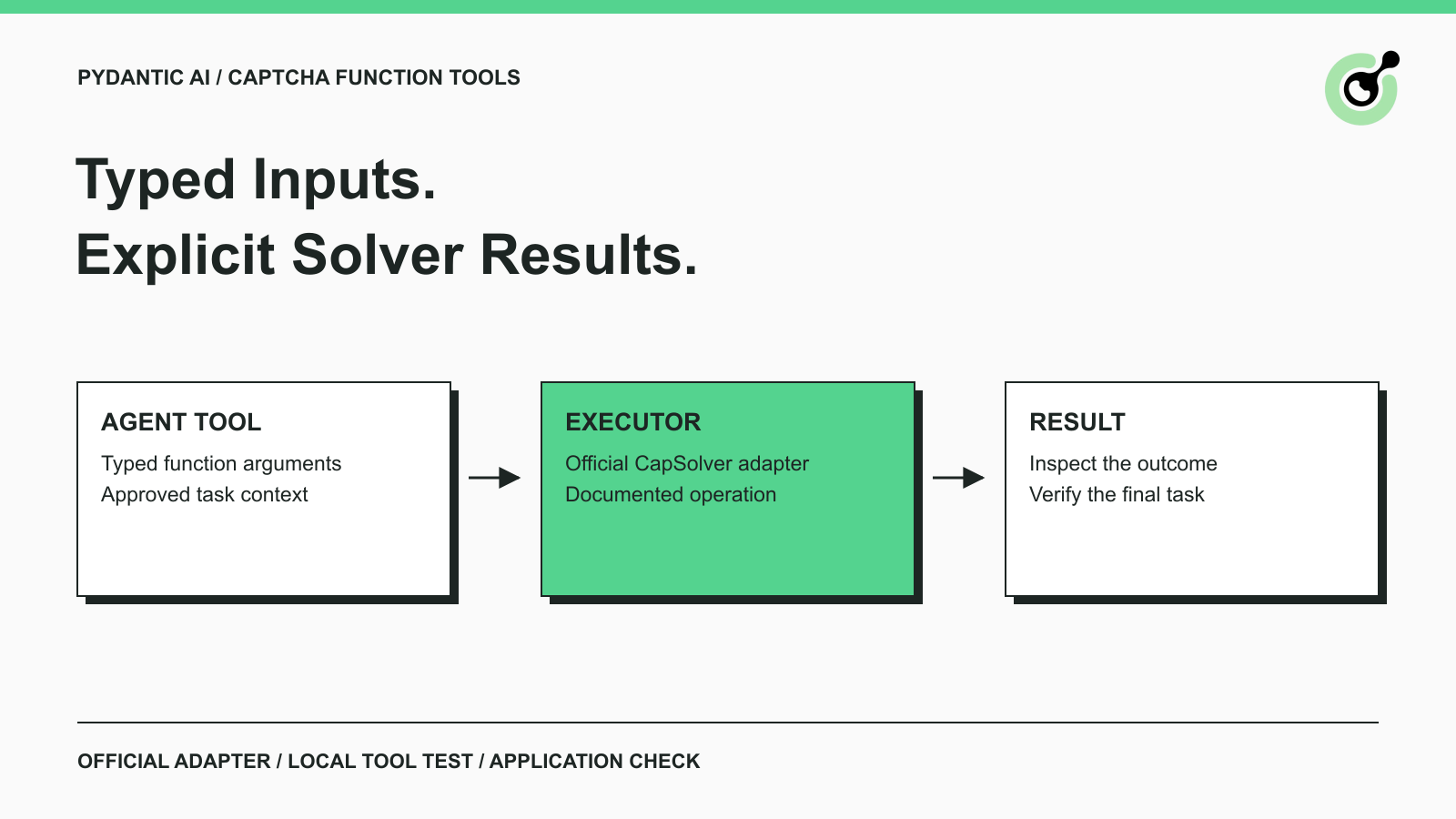
Add CAPTCHA tools to Pydantic AI using the official CapSolver adapter, test tool execution locally, and handle typed inputs and structured solver results.
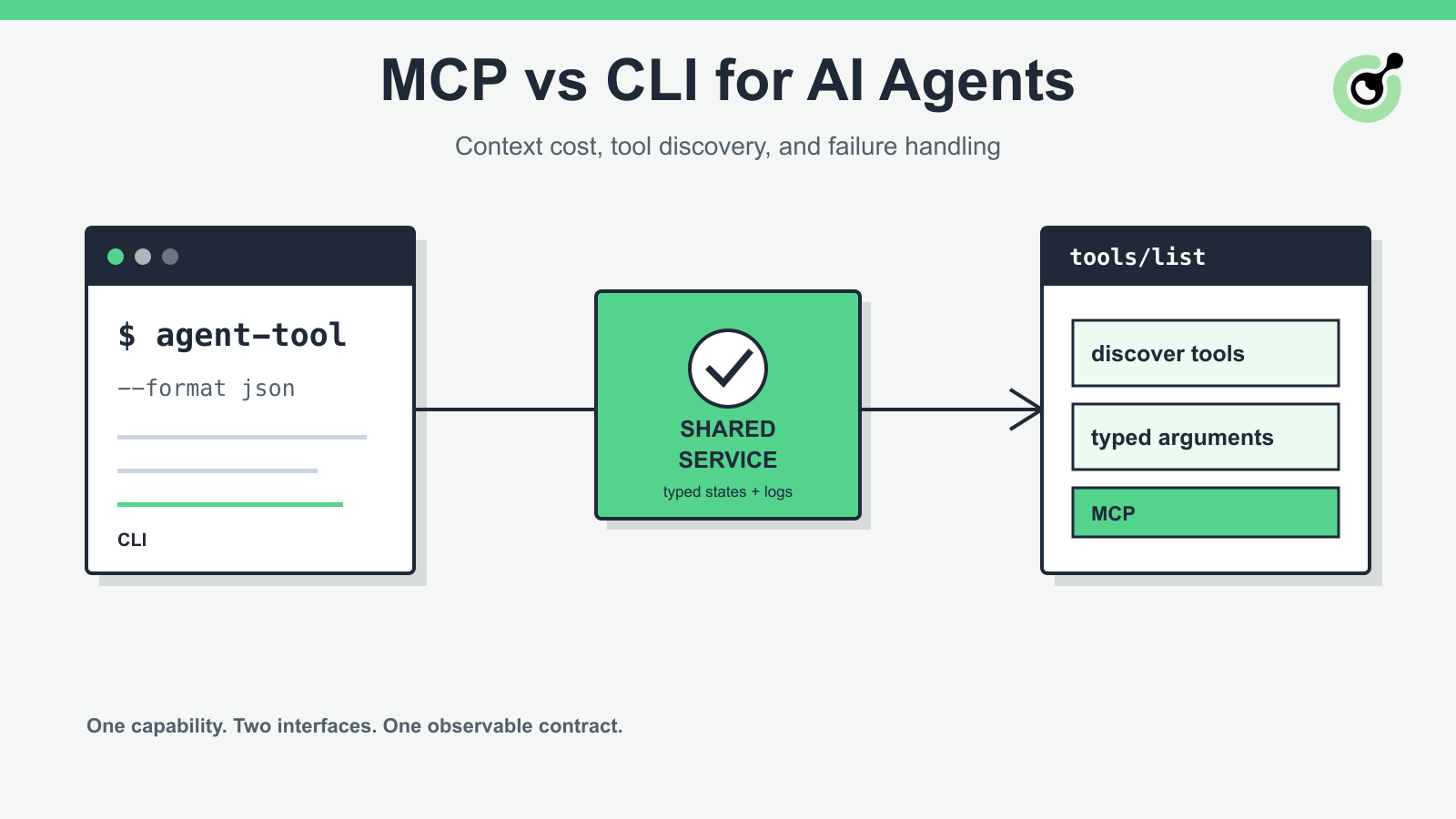
Compare MCP and CLI interfaces for AI agents across tool discovery, context cost, security, debugging, failure handling, and hybrid architecture.

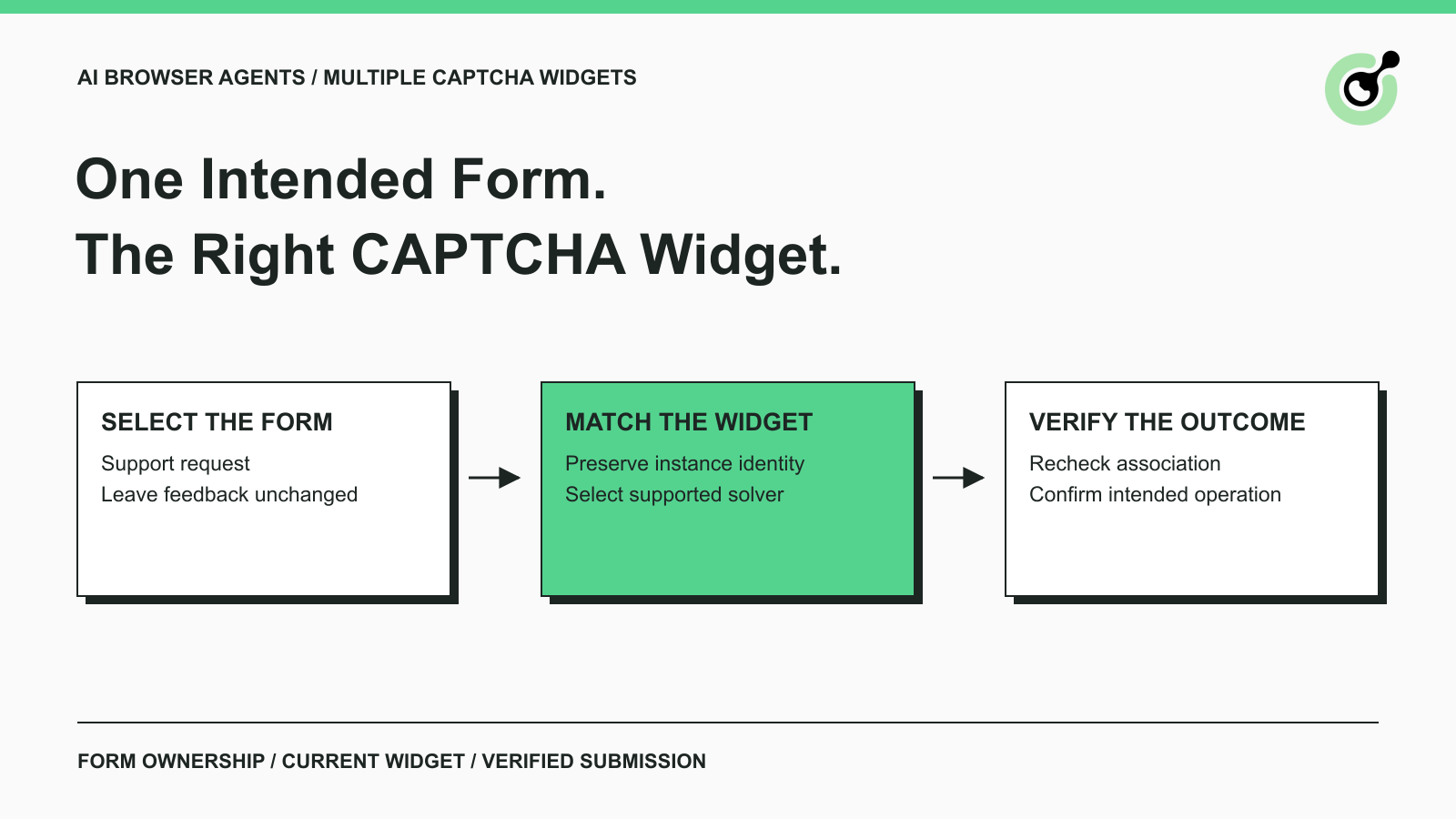
Handle multiple CAPTCHA widgets on one page with explicit form ownership, solver parameters, result routing, and checks for the intended AI agent action.


Install CapSolver MCP Server from PyPI and give compatible AI agents five tools for authorized CAPTCHA handling through the Model Context Protocol.


Choose between AI agents, scripts, and hybrid web automation by task uncertainty, testability, cost, and the controls needed for reliable execution.
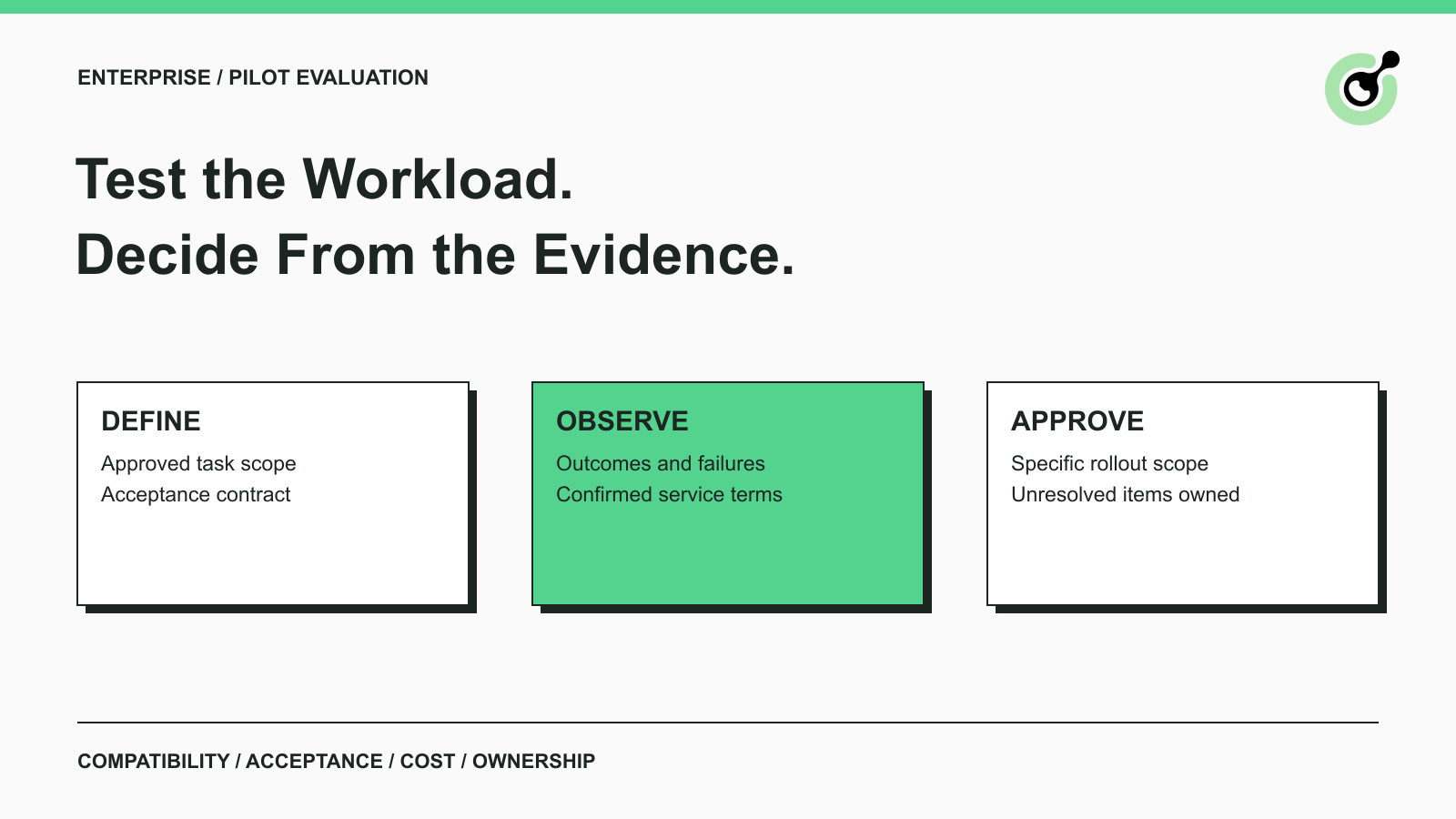
Evaluate enterprise CAPTCHA services with a focused pilot covering task compatibility, accepted outcomes, cost attribution, security evidence, and support.

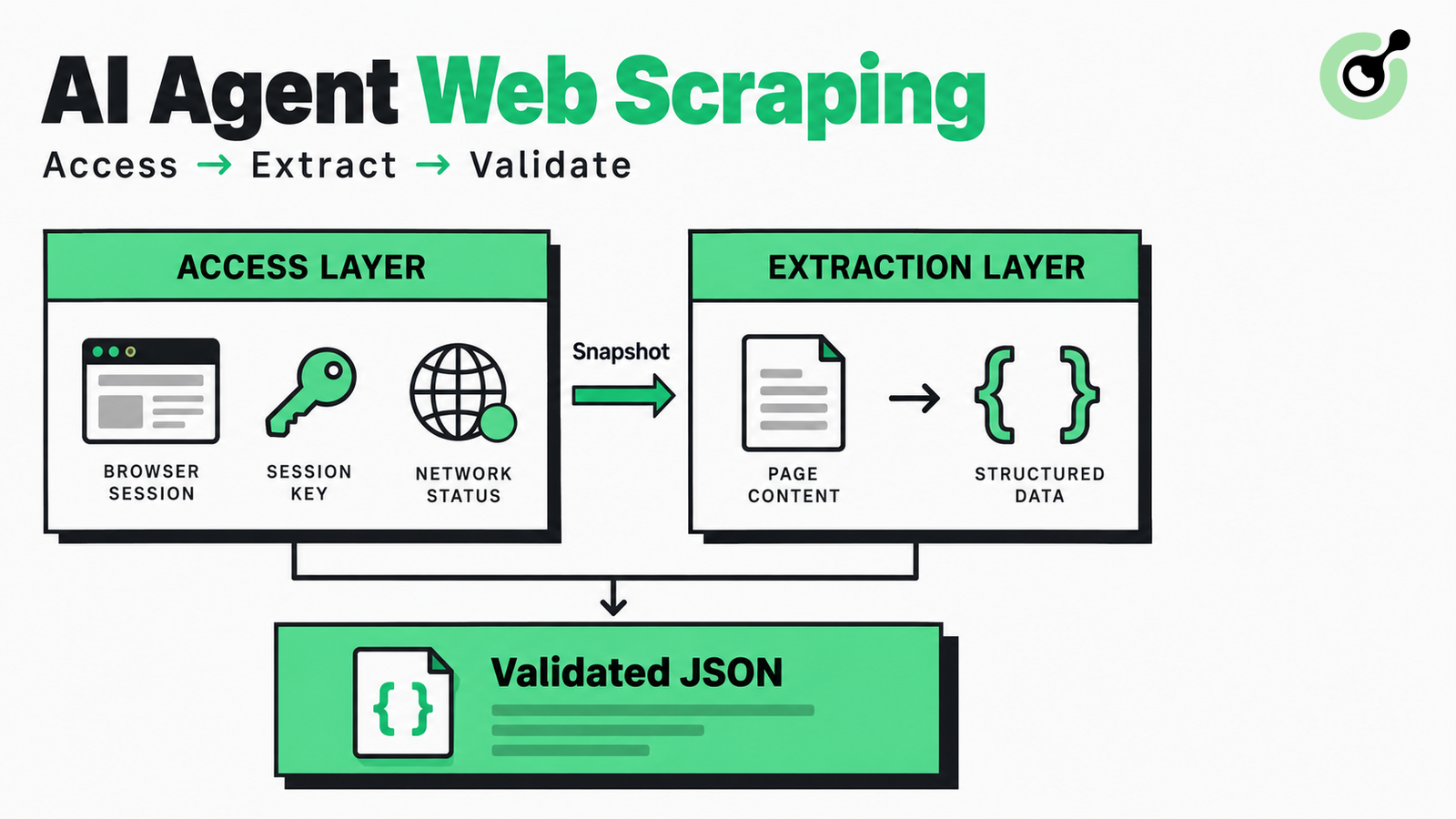
Design AI agent web scraping with separate access and extraction layers, runnable Python, bounded retries, retained snapshots, and structured data checks.
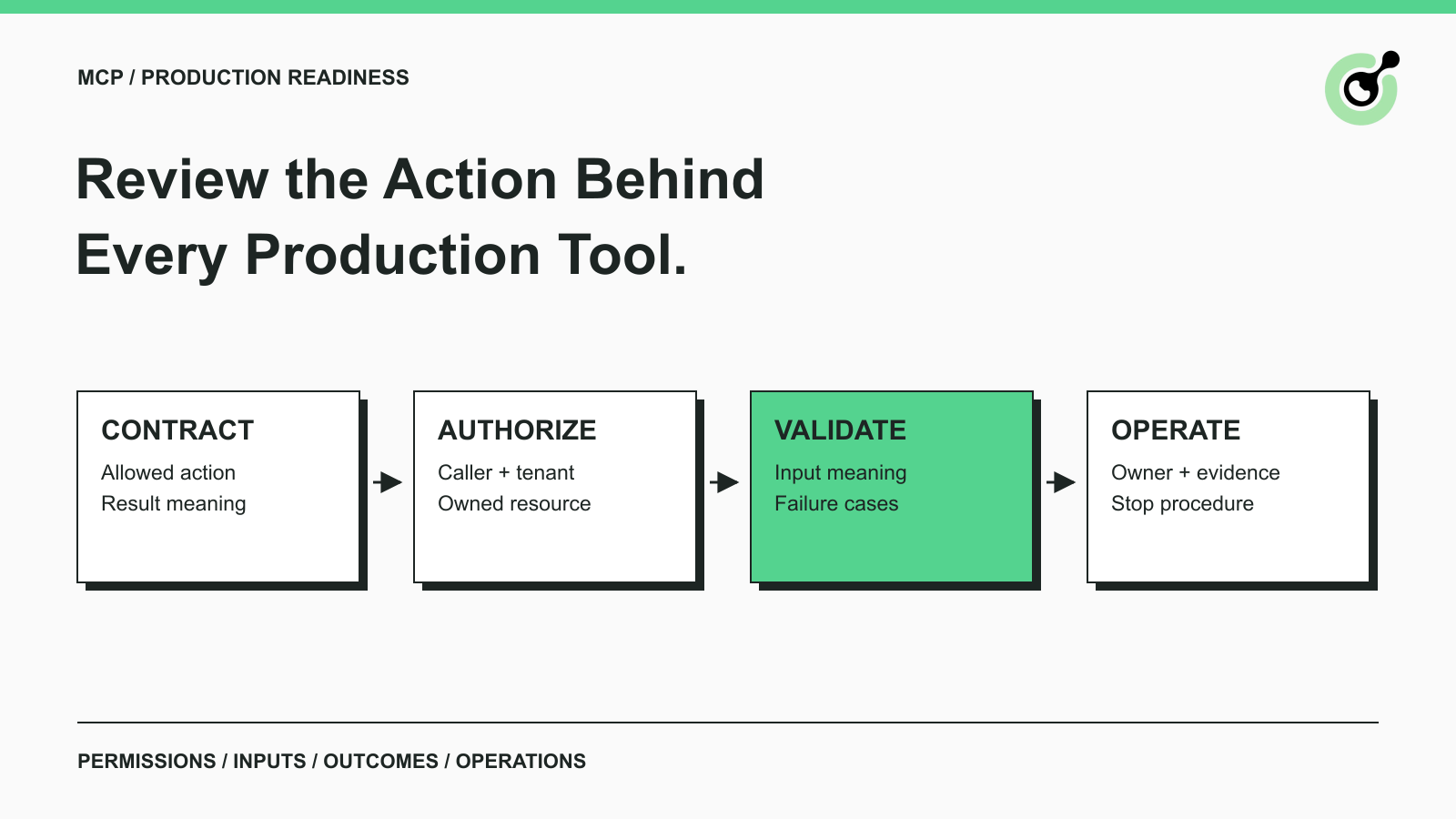
Use a production MCP server checklist to review tool permissions, tenant isolation, inputs, failure handling, logs, and release evidence before deployment.
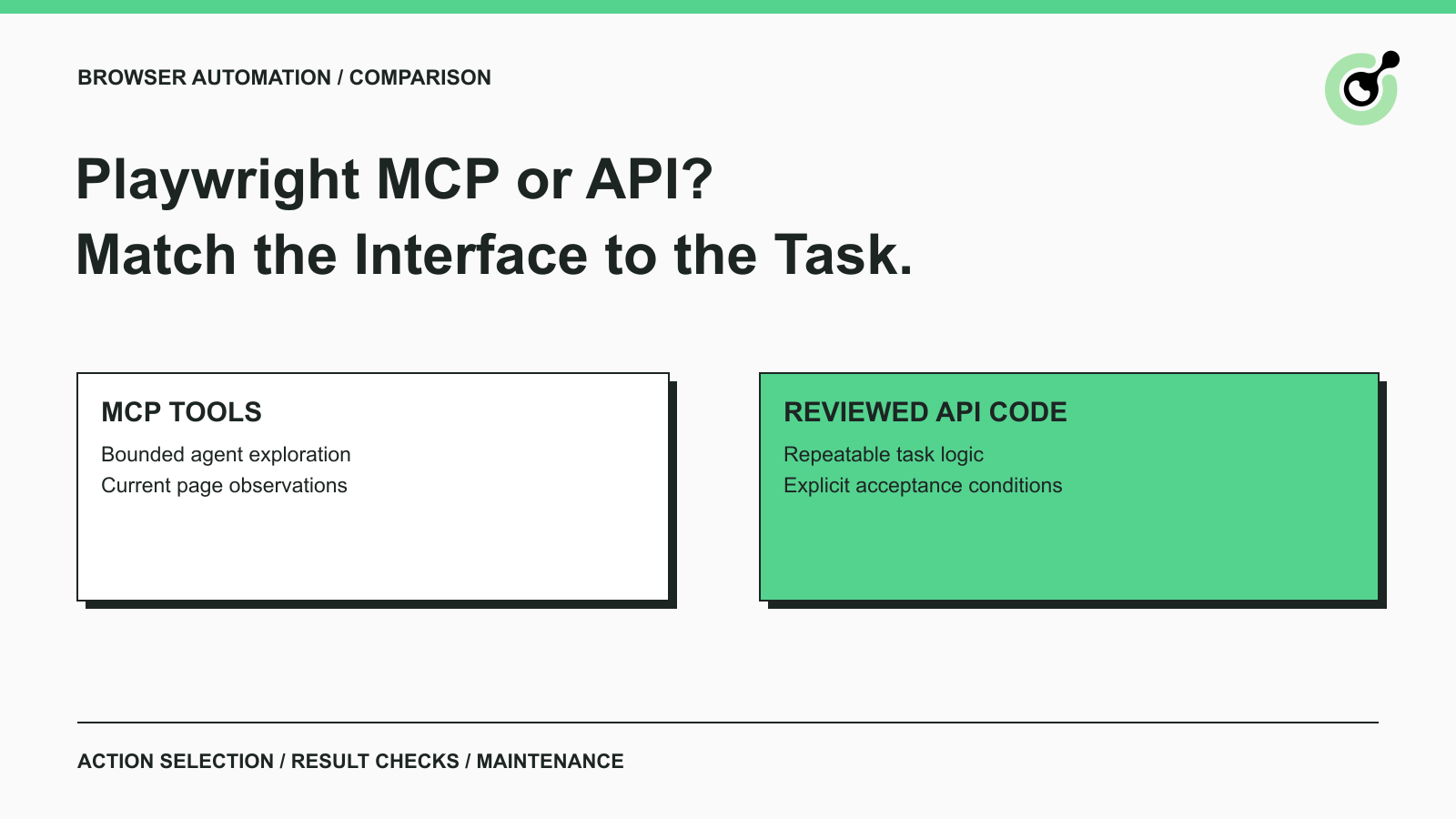
Compare Playwright MCP and the Playwright API for exploratory agents and repeatable browser tasks, including evidence, maintenance, and CAPTCHA boundaries.
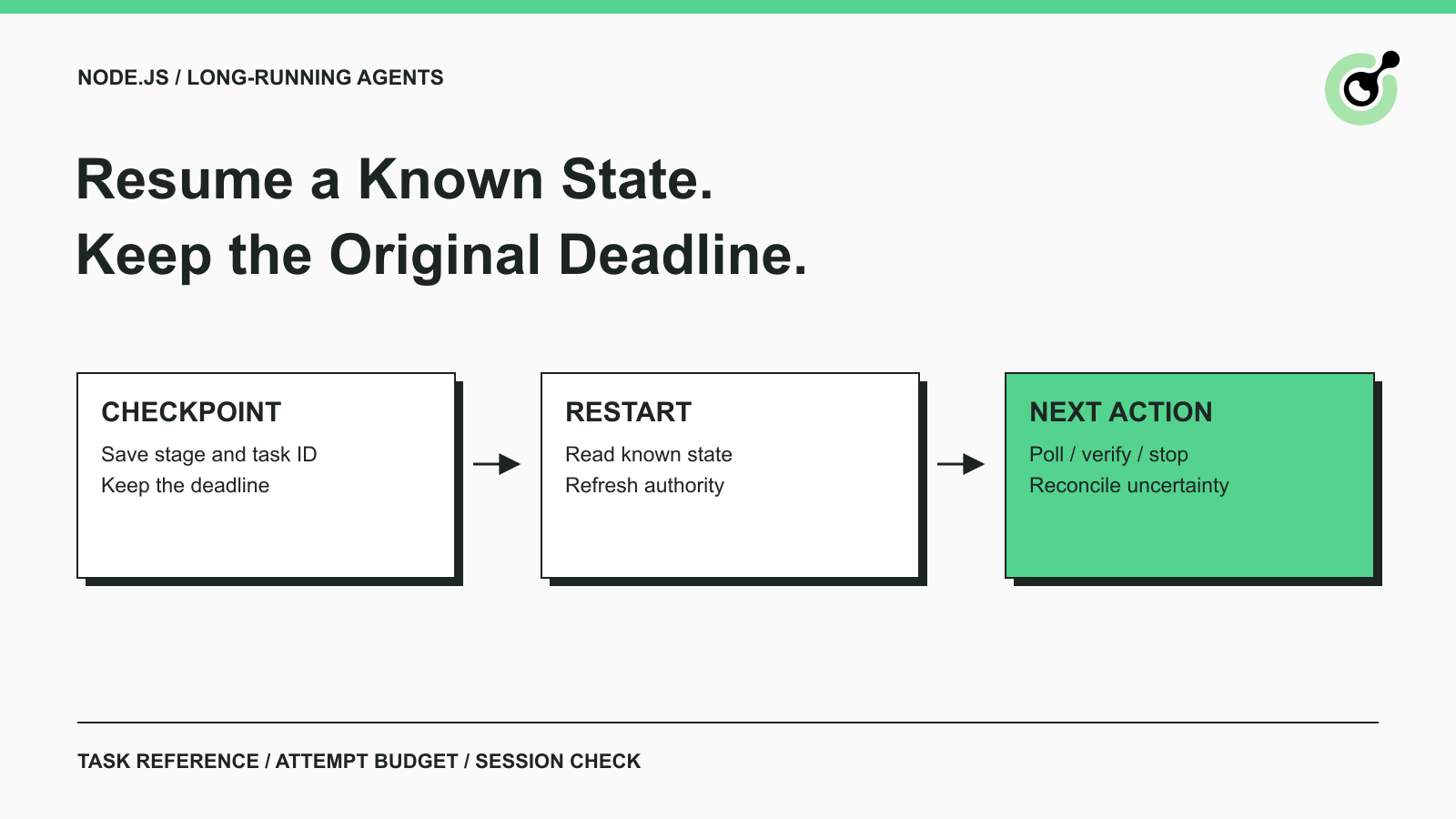
Design Node.js agent CAPTCHA handling with persisted checkpoints, original deadlines and separate submission states. Test restart decisions before integration.