🎉NEWCapSolver for AI agents-MCP, agent tools, and SDK integrations

Aloísio Vítor
Image Processing Expert
Published Mar 26, 2026
Updated Mar 27, 2026 · min read
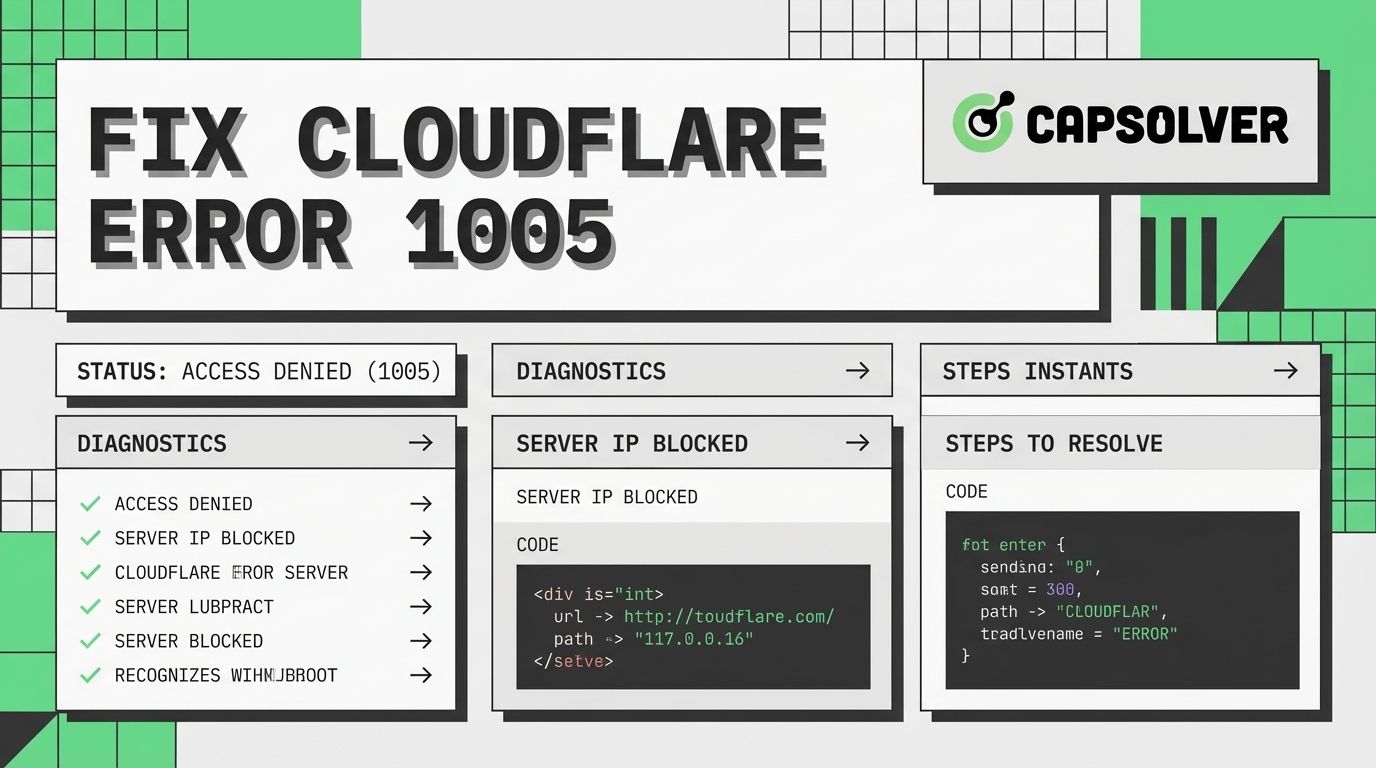
Resolving Cloudflare error 1005 is essential for uninterrupted web scraping. This error means the target website has denied your access request. Data engineers and developers often face this issue during automated data collection. The core value of this guide is providing actionable solutions to fix this specific error. We will explore the technical reasons behind the access denial. You will learn practical methods to configure your scraping setup correctly. Implementing these strategies ensures your data extraction processes remain stable and efficient. Overcoming this hurdle allows for consistent and reliable data gathering. This guide serves as your comprehensive resource for maintaining access.
Error 1005 signifies a direct access denial from the server. Cloudflare issues this HTTP status code when it blocks an Autonomous System Number (ASN) or IP address. Web scraping tools frequently encounter this barrier during routine operations. The security system identifies the incoming traffic as potentially harmful or strictly automated. This identification leads to an immediate connection drop and access restriction.
The primary function of this error is network protection and traffic filtering. Administrators configure rules to restrict traffic from known proxy networks or suspicious regions. Your web scraping script might operate from a flagged datacenter IP address. When this happens, the server responds with error 1005 instead of the requested content. Understanding this mechanism is the first step to fix cloudflare error 1005 access denied.
According to Cloudflare Support documentation, this specific error code points directly to ASN bans. An ASN represents a group of IP addresses managed by a single network operator. If one IP in the network exhibits malicious behavior, the entire ASN might face restrictions. This broad blocking strategy affects many legitimate web scraping operations globally. Network administrators use these bans to protect server resources from excessive load.
Identifying the root cause helps in applying the correct fix promptly. Several factors trigger this access denial during web scraping tasks. Understanding these triggers allows developers to adjust their scripts accordingly.
Poor IP reputation is the leading cause of error 1005. Datacenter proxies often share IP addresses among multiple users simultaneously. If another user performs aggressive actions, the IP gets blacklisted quickly. Your web scraping tasks will then fail when using that same IP. Maintaining a clean IP profile is crucial for successful data extraction.
Servers maintain databases of known proxy IP ranges and suspicious networks. When your request originates from these ranges, the server denies access immediately. This strict filtering aims to prevent automated data harvesting from unauthorized sources. You must monitor your IP reputation to avoid the access denied error 1005.
Automated scripts generate requests much faster than human users can. Sending hundreds of requests per second triggers security thresholds on the server. The server detects this unnatural speed and blocks the connection instantly. Implementing proper delays is necessary for stable web scraping operations.
Consistent and predictable request intervals also signal automated behavior to security systems. Human users navigate websites with random pauses and varied interaction times. Your web scraping tool must emulate this randomness to avoid detection. Failing to randomize request patterns often results in an error 1005.
Modern security systems analyze the browser fingerprint of incoming requests carefully. This fingerprint includes headers, TLS settings, and JavaScript execution capabilities. A mismatch between your script's headers and a real browser causes an error 1005. You must configure your tools to present a natural and consistent fingerprint. For more details on headers, you can review the MDN Web Docs on User-Agent.
Default configurations in popular HTTP libraries are easily recognizable by security filters. Libraries like Python Requests send specific headers that reveal their automated nature. Modifying these default settings is a mandatory step in web scraping. Proper configuration helps you resolve error 1005 effectively.
Applying the right technical adjustments resolves the access denied issue efficiently. Here are the most effective methods for web scraping professionals. These solutions address the core triggers of the error.
Switching to residential proxies is a highly effective solution for this error. Residential proxies use IP addresses assigned by Internet Service Providers to real homeowners. These IPs carry a high trust score and rarely face ASN bans. Using them significantly reduces the occurrence of error 1005 during extraction.
Datacenter proxies are cheaper but highly susceptible to blocks and bans. If you must use them, ensure you rotate them frequently and randomly. Rotating proxies assigns a new IP address for every request or after a set timeframe. This rotation distributes the traffic load and minimizes the risk of triggering an error 1005.
Mimicking a real browser environment is crucial for successful web scraping. Your script must send appropriate HTTP headers, including User-Agent, Accept-Language, and Referer. Using outdated or default library headers immediately flags your request as automated. You can learn more about selecting the best user agent to improve your success rate.
TLS fingerprinting is another advanced detection method used by modern servers. Security systems analyze the SSL/TLS handshake to identify the client software accurately. Standard Python libraries have distinct TLS fingerprints that trigger security rules. Using specialized libraries that modify the TLS handshake helps avoid error 1005.
TLS fingerprinting identifies clients based on their SSL/TLS handshake parameters. Servers use this data to distinguish between real browsers and automated scripts. Python's Requests library has a very distinct and recognizable TLS fingerprint. This recognizable signature often leads directly to an error 1005. Modifying this fingerprint is crucial for modern web scraping success.
Developers use specialized libraries to alter the TLS handshake process. Libraries like curl_cffi or tls_client impersonate the fingerprints of standard browsers. This impersonation tricks the server into accepting the connection as legitimate. Updating your scraping stack with these tools helps resolve error 1005. It is a highly effective method for navigating strict security filters.
Modern websites increasingly rely on HTTP/2 and HTTP/3 protocols for communication. Many basic web scraping tools still default to the older HTTP/1.1 protocol. This protocol mismatch is a strong indicator of automated traffic. Upgrading your client to support HTTP/2 prevents triggering an error 1005.
Browsers multiplex multiple requests over a single HTTP/2 connection efficiently. Your scraping script should emulate this behavior to appear more natural. Libraries like httpx in Python offer built-in support for HTTP/2 connections. Utilizing these modern protocols is essential for a comprehensive cloudflare error 1005 web scraping guide.
Encountering CAPTCHAs is a standard part of modern web scraping operations. When a server suspects automated traffic, it often presents a CAPTCHA before issuing an error 1005. Failing to solve this challenge results in a permanent block and access denial. Understanding what is CAPTCHA is vital for data engineers and developers.
Integrating a reliable CAPTCHA solving service ensures continuous data extraction without interruptions. CapSolver provides an automated solution for handling various complex CAPTCHA types. By routing the challenge through CapSolver, your script receives the correct token to proceed. This integration prevents the connection from dropping and avoids the error 1005. You can easily solve CAPTCHA while web scraping using their robust API.
Use code
CAP26when signing up at CapSolver to receive bonus credits!
Choosing the right method depends on your specific web scraping needs. The table below compares the common solutions available to developers. Evaluating these options helps in building a resilient scraping architecture.
| Solution Method | Effectiveness | Implementation Difficulty | Cost Impact | Best Use Case |
|---|---|---|---|---|
| Residential Proxies | High | Low | High | Large-scale web scraping |
| Header Optimization | Medium | Medium | Low | Basic data extraction |
| TLS Modification | High | High | Low | Advanced security systems |
| CapSolver Integration | High | Low | Medium | Sites with frequent CAPTCHAs |
| Request Throttling | Medium | Low | Low | Small-scale scraping tasks |
Adopting advanced techniques prevents the error from occurring in the first place. Proactive measures ensure long-term stability for your data extraction projects. These practices form the foundation of a reliable scraping infrastructure.
Headless browsers simulate real user interactions perfectly during automated tasks. Tools like Puppeteer and Playwright render JavaScript and handle complex page loads. This capability is essential when scraping dynamic websites that rely on client-side rendering. You can explore web scraping with Playwright for practical implementation steps.
Using a headless browser reduces the chances of encountering error 1005 significantly. The browser automatically handles many background checks that simple HTTP clients fail. However, headless browsers consume more system resources than lightweight HTTP requests. You must balance the resource cost with the need for high success rates.
Controlling the speed of your requests mimics human behavior effectively. Adding random delays between page loads prevents rate limiting and IP bans. A human user takes several seconds to read a page before clicking a link. Your web scraping script should replicate this natural pacing to stay undetected.
Strict rate limits often precede an error 1005 on protected websites. If you exceed the allowed requests per minute, the server denies access. Implementing a robust throttling mechanism protects your IP reputation over time. This practice is a fundamental part of any cloudflare error 1005 web scraping guide.
Incorrect network settings can trigger access denial unexpectedly during scraping. Ensure your DNS servers are reliable, fast, and properly configured. Sometimes, switching to public DNS resolvers improves connection stability and reduces errors. As noted in various Mozilla Support discussions, network misconfigurations often lead to unexpected IP blacklisting.
Regularly check your IP reputation using online tools and databases. If you notice your IP range is flagged, switch to a different subnet immediately. Proactive monitoring helps you address issues before they result in an error 1005. Maintaining a clean network profile is essential for successful web scraping. According to Wikipedia's overview of web scraping, maintaining technical compliance is increasingly important.
Fixing Cloudflare error 1005 requires a strategic approach to web scraping. This access denied message usually stems from IP bans or incorrect request formatting. By upgrading to residential proxies and managing browser fingerprints, you can restore access. Integrating tools like CapSolver efficiently handles CAPTCHA challenges that often accompany these security measures. Implementing headless browsers and request throttling further ensures long-term stability. Following these practices allows you to maintain efficient and uninterrupted data extraction operations.
What does Cloudflare error 1005 mean?
Error 1005 means the server has denied your access request completely. It usually occurs because your IP address or ASN is banned by the website's security rules.
How can I fix error 1005 during web scraping?
You can fix this error by using high-quality residential proxies. Adjusting your browser fingerprint and implementing request delays also help resolve the issue effectively.
Why do datacenter proxies cause error 1005?
Datacenter proxies share IP addresses among many users simultaneously. If one user triggers a security flag, the entire IP or ASN gets blocked, causing the error.
Can CapSolver help prevent error 1005?
Yes, CapSolver automates the resolution of CAPTCHA challenges efficiently. Solving these challenges promptly prevents the security system from issuing an error 1005.
Is it necessary to use headless browsers for web scraping?
Headless browsers are highly recommended for complex and dynamic websites. They execute JavaScript and mimic real user behavior, significantly reducing the risk of access denial.
Aloísio Vítor
Image Processing Expert
Interpreting the visual signals behind web workflows.
ABOUT THE AUTHOR
Learn what a Cloudflare Challenge is, how Cloudflare detects bots using JavaScript and machine learning, and why challenges appear during browsing. Complete guide for 2026.

Learn how to fix the "failed to verify cloudflare turnstile token" error. This guide covers causes, troubleshooting steps, and how to defeat cloudflare turnstile with CapSolver.