
🎉NEWCapSolver for AI agents-MCP, agent tools, and SDK integrations

Rajinder Singh
Deep Learning Researcher
Published May 28, 2024
Updated May 28, 2024 · min read

Cloudflare’s Bot Manager and Turnstile CAPTCHA offer strong protection for websites, but they also create significant challenges for developers, automation workflows, and scraping tasks. This guide provides a quick overview of how these systems work and includes ready-to-use Python examples to help you handle Cloudflare Challenges and Turnstile CAPTCHA in a compliant and efficient way.
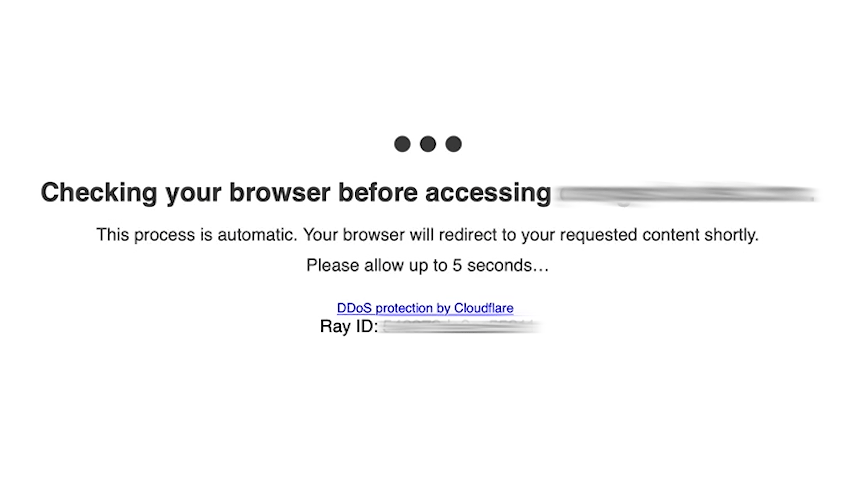
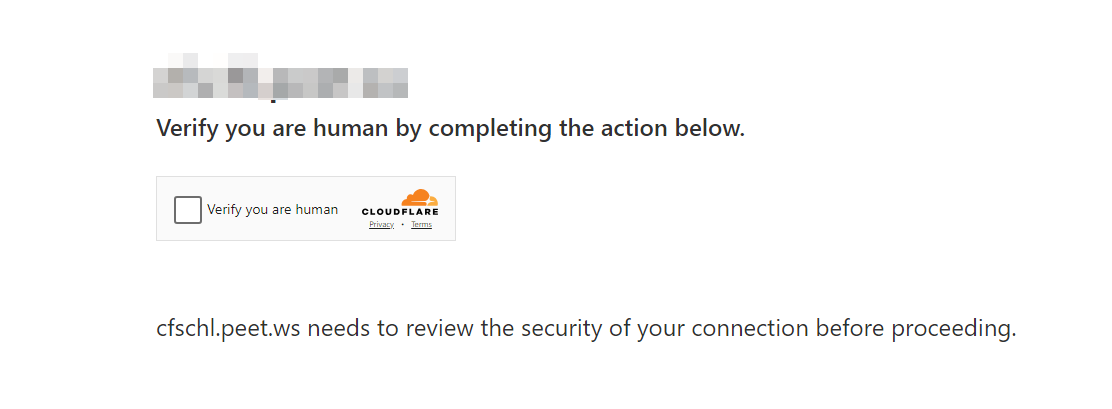
Cloudflare Bot Manager is a sophisticated security solution offered by Cloudflare to protect websites from malicious bot traffic while allowing legitimate bots and human users to access the site without unnecessary friction. Here's a breakdown of its key features and functionalities:
Threat Mitigation: The primary goal of Cloudflare Bot Manager is to prevent malicious bots from carrying out harmful activities such as credential stuffing, data scraping, and DDoS attacks.
Traffic Analysis: It continuously analyzes incoming traffic to distinguish between human users, good bots (like search engine crawlers), and bad bots. This is achieved through a combination of behavioral analysis, machine learning models, and heuristic techniques.
Allowlist for Known Bots: Cloudflare maintains a list of known good bots (e.g., Googlebot, Bingbot) that are allowed to access sites without being blocked. This ensures that essential services like search engine indexing are not interrupted.
Bot Detection Techniques: Cloudflare employs both passive and active bot detection methods:
Custom Rules and Actions: Website administrators can create custom rules to handle bot traffic based on their specific needs. They can choose to block, challenge, or allow traffic based on various criteria.
Detailed Reporting and Analytics: Cloudflare Bot Manager provides comprehensive reports and analytics, giving administrators insights into bot activity and helping them fine-tune their bot mitigation strategies.
If you've tried scraping a Cloudflare-protected site, you may have encountered these Bot Manager-related errors:
Error 1020: Access Denied
Error 1010: The website owner has banned your access based on your browser's signature
Error 1015: You are being rate limited
Error 1012: Access Denied
Check this blog to understand more about these status code, read this blog
Cloudflare Turnstile CAPTCHA is a modern CAPTCHA solution designed to enhance user experience while maintaining robust security. Unlike traditional CAPTCHAs that rely on solving visual puzzles, Turnstile focuses on minimizing user interaction. Here’s how it works and its main features:
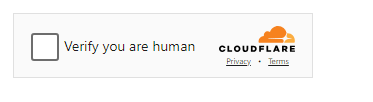

User Behavior Analysis: It analyzes user behavior, such as mouse movements and keystrokes, to determine if the interaction is from a human or a bot. This method is less disruptive compared to traditional image or text-based CAPTCHAs.
Machine Learning Models: Turnstile leverages advanced machine learning models to accurately distinguish between human users and automated bots. These models are continuously updated to adapt to new bot behaviors.
Seamless Integration: Turnstile can be easily integrated into websites and applications. It is designed to work seamlessly with Cloudflare’s broader suite of security products.
Privacy-Focused: Cloudflare emphasizes privacy, ensuring that user data is handled responsibly and securely. Turnstile is designed to minimize data collection and prioritize user privacy.
Adaptive Challenges: Depending on the risk score and confidence level, Turnstile can dynamically adjust the difficulty of challenges. High-confidence human interactions may pass through without any visible challenge, while suspicious activity might face more stringent verification.
Accessibility: Turnstile is built with accessibility in mind, ensuring that users with disabilities can interact with it without barriers.
In summary, Cloudflare Bot Manager is a comprehensive tool for managing bot traffic and protecting websites from malicious activities, while Cloudflare Turnstile CAPTCHA provides a modern, user-friendly approach to verifying human users without the traditional hassle of solving puzzles. Both solutions work together to enhance website security and user experience.
Redeem Your CapSolver Bonus Code
Don’t miss the chance to further optimize your operations! Use the bonus code CAPN when topping up your CapSolver account and receive an extra 5% bonus on each recharge, with no limits. Visit the CapSolver to redeem your bonus now!
Execute the following commands to install the required packages:
pip install capsolver
pip install os
pip install requestsHere's a Python sample script to accomplish the task:
# pip install requests
import requests
import time

api_key = "YOUR_API_KEY"  # your api key of capsolver

def capsolver():
    payload = {
        "clientKey": api_key,
        "task": {
            "type": "AntiCloudflareTask",
            "websiteURL": "https://www.yourwebsite.com",
            "proxy": "ip:port:user:pass"
        }
    }
    res = requests.post("https://api.capsolver.com/createTask", json=payload)
    resp = res.json()
    task_id = resp.get("taskId")
    if not task_id:
        print("Failed to create task:", res.text)
        return
    print(f"Got taskId: {task_id} / Getting result...")

    while True:
        time.sleep(1)  # delay
        payload = {"clientKey": api_key, "taskId": task_id}
        res = requests.post("https://api.capsolver.com/getTaskResult", json=payload)
        resp = res.json()
        status = resp.get("status")
        if status == "ready":
            return resp.get("solution", {})
        if status == "failed" or resp.get("errorId"):
            print("Solve failed! response:", res.text)
            return

token = capsolver()
print(token)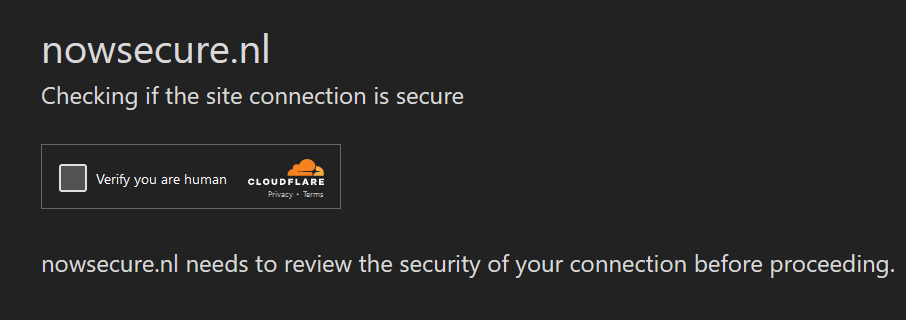
Execute the following commands to install the required packages:
pip install requestsHere's a Python sample script to accomplish the task:
import time
import requests

CAPSOLVER_API_KEY = "api key"
PAGE_URL = "url"
WEBSITE_KEY = "site key"

def solvecf(metadata_action=None, metadata_cdata=None):
    url = "https://api.capsolver.com/createTask"
    task = {
        "type": "AntiTurnstileTaskProxyLess",
        "websiteURL": PAGE_URL,
        "websiteKey": WEBSITE_KEY,
    }
    if metadata_action or metadata_cdata:
        task["metadata"] = {}
        if metadata_action:
            task["metadata"]["action"] = metadata_action
        if metadata_cdata:
            task["metadata"]["cdata"] = metadata_cdata
    data = {
        "clientKey": CAPSOLVER_API_KEY,
        "task": task
    }
    response_data = requests.post(url, json=data).json()
    print(response_data)
    return response_data['taskId']


def solutionGet(taskId):
    url = "https://api.capsolver.com/getTaskResult"
    status = ""
    while status != "ready":
        data = {"clientKey": CAPSOLVER_API_KEY, "taskId": taskId}
        response_data = requests.post(url, json=data).json()
        print(response_data)
        status = response_data.get('status', '')
        print(status)
        if status == "ready":
            return response_data['solution']

        time.sleep(2)


def main():

    taskId = solvecf()
    solution = solutionGet(taskId)
    if solution:
        user_agent = solution['userAgent']
        token = solution['token']

    print("User_Agent:", user_agent)
    print("Solved Turnstile Captcha, token:", token)


if __name__ == "__main__":
main()With the steps above, you can reliably solve Cloudflare Challenges and Turnstile CAPTCHA using Python. For higher success rates or more advanced use cases, you can get your API key from the CapSolver dashboard and integrate the example code directly into your project.
For additional Cloudflare-related solutions, feel free to explore more in the CapSolver documentation and blog.
Rajinder Singh
Deep Learning Researcher
Making CAPTCHA solving more reliable in automated workflows.
ABOUT THE AUTHOR
Learn what a Cloudflare Challenge is, how Cloudflare detects bots using JavaScript and machine learning, and why challenges appear during browsing. Complete guide for 2026.

Learn how to fix the "failed to verify cloudflare turnstile token" error. This guide covers causes, troubleshooting steps, and how to defeat cloudflare turnstile with CapSolver.


